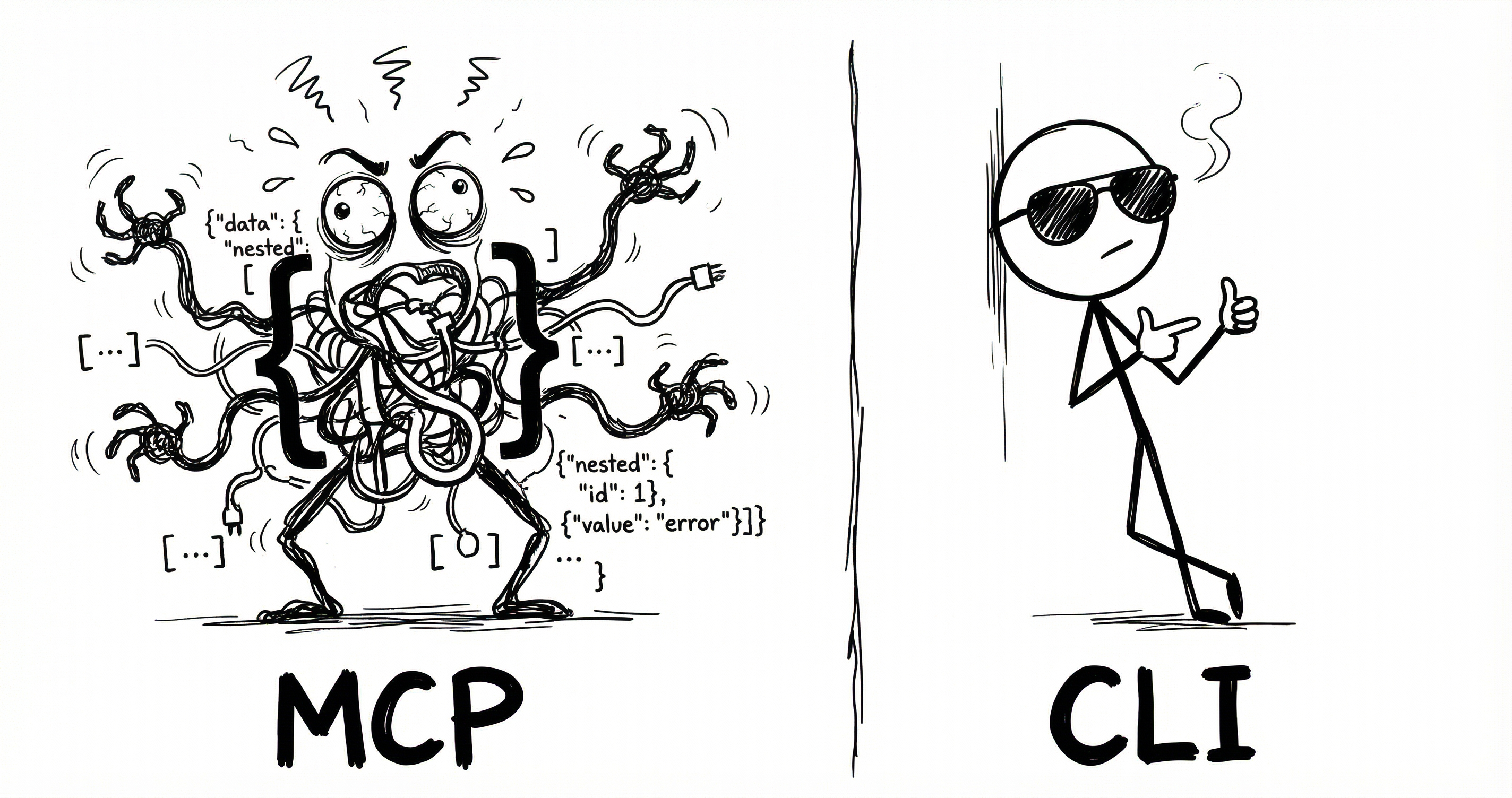

Every AI agent using MCP is quietly overpaying. Not on the API calls themselves - those are fine. The tax is on the instruction manual.
Before your agent can do anything useful, it needs to know what tools are available. MCP’s answer is to dump the entire tool catalog into the conversation as JSON Schema. Every tool, every parameter, every option.
CLI does the same job but cheaper.
I took an MCP server and generated a CLI from it using CLIHub. Same tools, same OAuth, same API underneath. Two things change: what loads at session start, and how the agent calls a tool.
The numbers below assume a typical setup: 6 MCP servers, 14 tools each, 84 tools total.
1. Session start
MCP dumps every tool schema into the conversation upfront. CLI uses a lightweight skill listing - just names and locations. The agent discovers details when it needs them.1
{
  "name": "notion-search",
  "description": "Search for pages and databases",
  "inputSchema": {
    "type": "object",
    "properties": {
      "query": {
        "type": "string",
        "description": "The search query text"
      },
      "filter": {
        "type": "object",
        "properties": {
          "property": { "type": "string", "enum": ["object"] },
          "value": { "type": "string", "enum": ["page", "database"] }
        }
      }
    }
  },
  {
  "name": "notion-fetch",
  ...
  }
  ... (84 tools total)
}
<available_tools>
  <tool>
    <name>notion</name>
    <description>CLI for Notion</description>
    <location>~/bin/notion</location>
  </tool>
  <tool>
    <name>linear</name>
    ...
  </tool>
  ... (6 tools total)
</available_tools>
2. Tool call
Once the agent knows what’s available, it still needs to call a tool.
{
  "tool_call": {
    "name": "notion-search",
    "arguments": {
      "query": "my search"
    }
  }
}# Step 1: Discover tools (~4 + ~600 tokens)
$ notion --help
notion search <query> [--filter-property ...]
Search for pages and databases
notion create-page <title> [--parent-id ID]
Create a new page
... 12 more tools
------------------------------------------------
# Step 2: Execute (~6 tokens)
$ notion search "my search"MCP’s call is cheaper because definitions are pre-loaded. CLI pays at discovery time - --help returns the full command reference (~600 tokens for 14 tools), then the agent knows what to execute.
| Tools used | MCP | CLI | Savings |
|---|---|---|---|
| Session start | ~15,540 | ~300 | 98% |
| 1 tool | ~15,570 | ~910 | 94% |
| 10 tools | ~15,840 | ~964 | 94% |
| 100 tools | ~18,540 | ~1,504 | 92% |
CLI uses ~94% fewer tokens overall.
Anthropic launched Tool Search which loads a search index instead of every schema then uses fetch tools on demand. It typically drops token usage by 85%.
Same idea as CLI’s lazy loading. But when Tool Search fetches a tool, it still pulls the full JSON Schema.2
| Tools used | MCP | TS | CLI | Savings vs TS |
|---|---|---|---|---|
| Session start | ~15,540 | ~500 | ~300 | 40% |
| 1 tool | ~15,570 | ~3,530 | ~910 | 74% |
| 10 tools | ~15,840 | ~3,800 | ~964 | 75% |
| 100 tools | ~18,540 | ~12,500 | ~1,504 | 88% |
Tool Search is more expensive, and it’s Anthropic-only. CLI is cheaper and works with any model.
CLIHub
I struggled finding CLIs for many tools so built CLIHub a directory of CLIs for agent use.
Open sourced the converter - one command to create CLIs from MCPs.