TL;DR: How does the latest entry-level MacBook perform on database workloads? We benchmarked it to find out.
Apple released the MacBook Neo today and there is no shortage of tech reviews explaining whether it's the right device for you if you are a student, a photographer or a writer. What they don't tell you is whether it fits into our Big Data on Your Laptop ethos. We wanted to answer this using a data-driven approach, so we went to the nearest Apple Store, picked one up and took it for a spin.
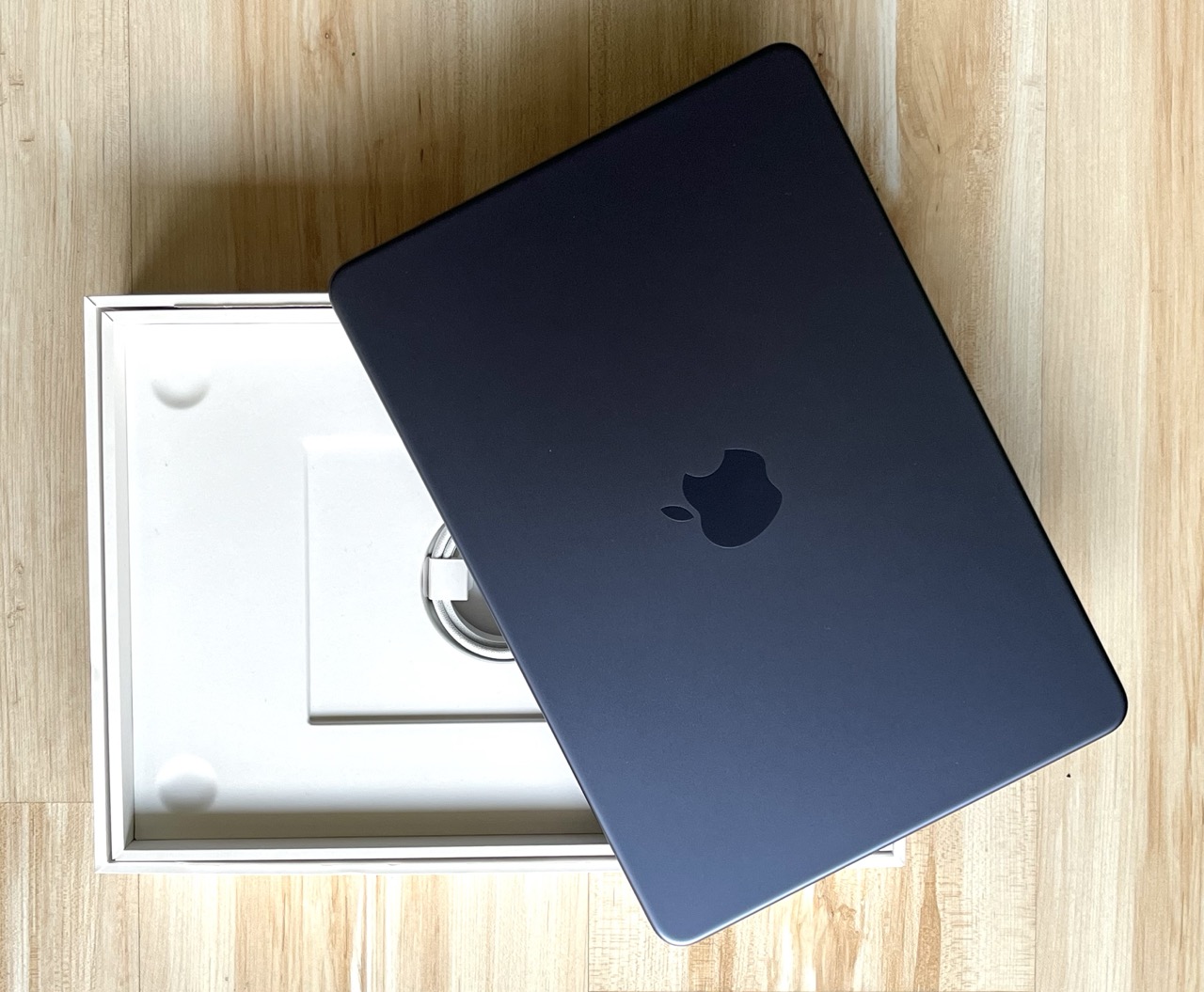
Well, not much! If you buy this machine in the EU, there isn't even a charging brick included. All you get is the laptop and a braided USB-C cable. But you likely already have a few USB-C bricks lying around – let's move on to the laptop itself!

The only part of the hardware specification that you can select is the disk: you can pick either 256 or 512 GB. As our mission is to deal with alleged “Big Data”, we picked the larger option, which brings the price to $700 in the US or €800 in the EU. The amount of memory is fixed to 8 GB. And while there is only a single CPU option, it is quite an interesting one: this laptop is powered by the 6-core Apple A18 Pro, originally built for the iPhone 16 Pro.
It turns out that we have already tested this phone under some unusual circumstances. Back in 2024, with DuckDB v1.2-dev, we found that the iPhone 16 Pro could complete all TPC-H queries at scale factor 100 in about 10 minutes when air-cooled and in less than 8 minutes while lying in a box of dry ice. The MacBook Neo should definitely be able to handle this workload – but maybe it can even handle a bit more. Cue the inevitable benchmarks!
For our first experiment, we used ClickBench, an analytical database benchmark. ClickBench has 43 queries that focus on aggregation and filtering operations. The operations run on a single wide table with 100M rows, which uses about 14 GB when serialized to Parquet and 75 GB when stored in CSV format.
Benchmark Environment
We ported ClickBench's DuckDB implementation to macOS and ran it on the MacBook Neo using the freshly minted v1.5.0 release. We only applied a small tweak: as suggested in our performance guide, we slightly lowered the memory limit to 5 GB, to reduce relying on the OS' swapping and to let DuckDB handle memory management for larger-than-memory workloads. This is a common trick in memory-constrained environments where other processes are likely using more than 20% of the total system memory.

We also re-ran ClickBench with DuckDB v1.5.0 on two cloud instances, yielding the following lineup:
- The MacBook Neo with 2 performance cores, 4 efficiency cores and 8 GB RAM
- c6a.4xlarge with 16 AMD EPYC vCPU cores and 32 GB RAM
- c8g.metal-48xl with a whopping 192 Graviton4 vCPU cores and 384 GB RAM
The benchmark script first loaded the Parquet file into the database. Then, as per ClickBench's rules, it ran each query three times to capture both cold runs (the first run when caches are cold) and hot runs (when the system has a chance to exploit e.g. file system caching).
Results and Analysis
Our experiments produced the following aggregate runtimes, in seconds:
| Machine | Cold run (median) | Cold run (total) | Hot run (median) | Hot run (total) |
|---|---|---|---|---|
| MacBook Neo | 0.57 | 59.73 | 0.41 | 54.27 |
| c6a.4xlarge | 1.34 | 145.08 | 0.50 | 47.86 |
| c8g.metal-48xl | 1.54 | 169.67 | 0.05 | 4.35 |
Cold run. The results start with a big surprise: in the cold run, the MacBook Neo is the clear winner with a sub-second median runtime, completing all queries in under a minute! Of course, if we dig deeper into the setups, there is an explanation for this. The cloud instances have network-attached disks, and accessing the database on these dominates the overall query runtimes. The MacBook Neo has a local NVMe SSD, which is far from best-in-class, but still provides relatively quick access on the first read.
Hot run. In the hot runs, the MacBook's total runtime only improves by approximately 10%, while the cloud machines come into their own, with the c8g.metal-48xl winning by an order of magnitude. However, it's worth noting that on median query runtimes the MacBook Neo can still beat the c6a.4xlarge, a mid-sized cloud instance. And the laptop's total runtime is only about 13% slower despite the cloud box having 10 more CPU threads and 4 times as much RAM.
For our second experiment, we picked the queries of the TPC-DS benchmark. Compared to the ubiquitous TPC-H benchmark, which has 8 tables and 22 queries, TPC-DS has 24 tables and 99 queries, many of which are more complex and include features such as window functions. And while TPC-H has been optimized to death, there is still some semblance of value in TPC-DS results. Let's see whether the cheapest MacBook can handle these queries!
For this round, we used DuckDB's LTS version, v1.4.4. We generated the datasets using DuckDB's tpcds extension and set the memory limit to 6 GB.
At SF100, the laptop breezed through most queries with a median query runtime of 1.63 seconds and a total runtime of 15.5 minutes.
At SF300, the memory constraint started to show. While the median query runtime was still quite good at 6.90 seconds, DuckDB occasionally used up to 80 GB of space for spilling to disk and it was clear that some queries were going to take a long time. Most notably, query 67 took 51 minutes to complete. But hardware and software continued to work together tirelessly, and they ultimately passed the test, completing all queries in 79 minutes.
Here's the thing: if you are running Big Data workloads on your laptop every day, you probably shouldn't get the MacBook Neo. Yes, DuckDB runs on it, and can handle a lot of data by leveraging out-of-core processing. But the MacBook Neo's disk I/O is lackluster compared to the Air and Pro models (about 1.5 GB/s compared to 3–5 GB/s), and the 8 GB memory will be limiting in the long run. If you need to process Big Data on the move and can pay up a bit, the other MacBook models will serve your needs better and there are also good options for Linux and Windows.
All that said, if you run DuckDB in the cloud and primarily use your laptop as a client, this is a great device. And you can rest assured that if you occasionally need to crunch some data locally, DuckDB on the MacBook Neo will be up to the challenge.