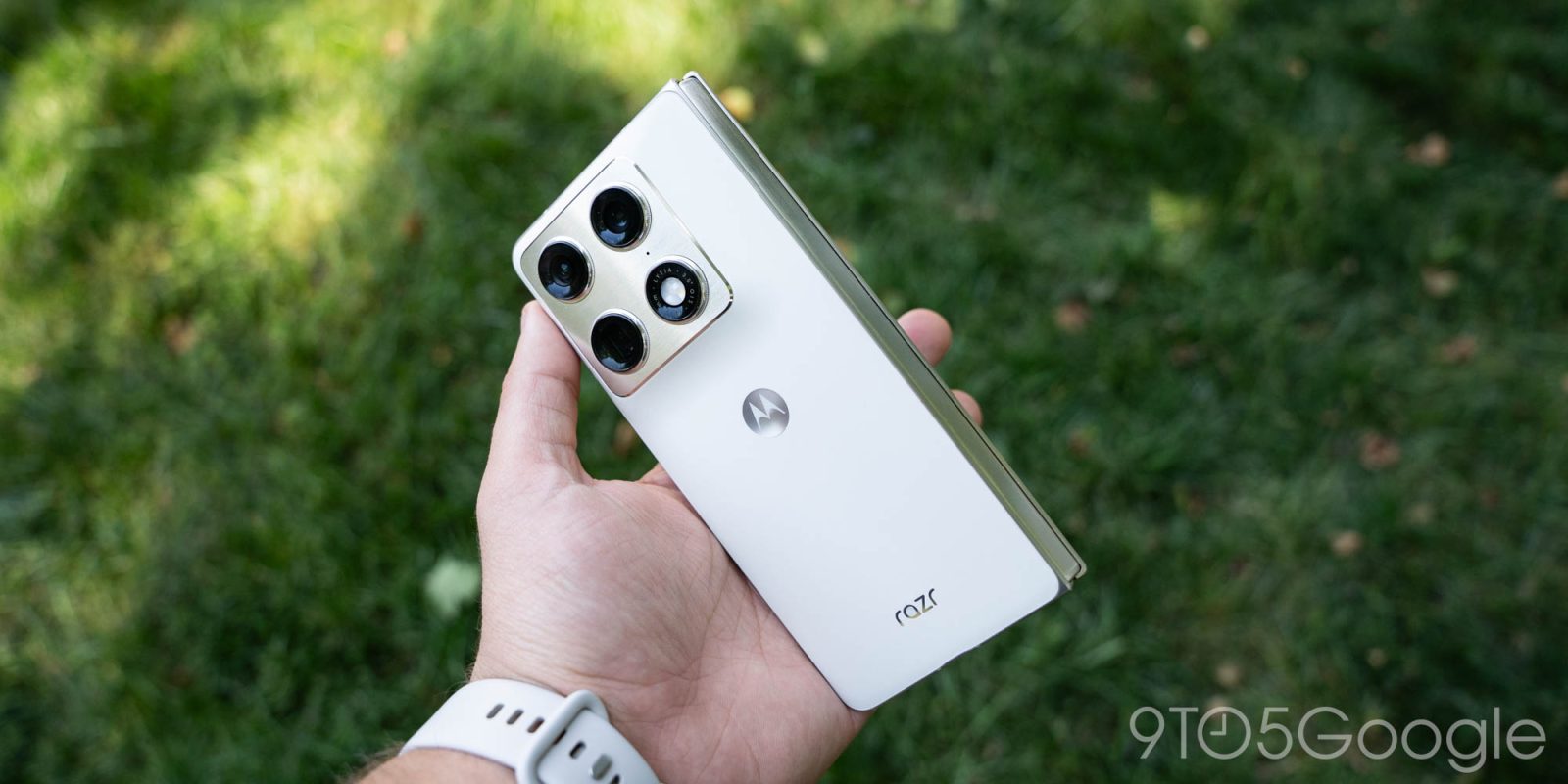
A truly bizarre situation on Motorola phones has led to the software hijacking the Amazon app to inject an affiliate code – even on the $1,900 Razr Fold.
The shady use of affiliate codes has become unfortunately common in recent years, with the most high-profile example being the PayPal-owned browser extension Honey. But a new situation on Motorola smartphones might top the charts in terms of sketchy behavior.
An app update on Motorola phones has started hijacking the Amazon app for the sake of injecting an affiliate code. To do that, tapping the app icon opens the user’s browser and immediately redirects to the Amazon app. It’s a “blink and you missed it” moment. This only happens when the user opens the Amazon app from the app drawer – not the homescreen pages.
You can see the flow in action below – first opening the app from a homescreen icon, then from the app drawer. You’ll notice that the Chrome browser flashes up briefly when opening from the app drawer.
A Motorola Razr 60 Ultra user on Reddit was the first to notice this behavior, using an ADB log to show that the launcher is directing users to a URL instead of the Amazon app they expected to open. It traces back to the Smart Feed app, one of the apps Motorola has pre-loaded on many of its phones including the latest Razr (2026) family of foldables. A network log also shows the device making requests to “devicenative.com,” a website for a service that places ads on smartphones (and isn’t too quiet about its integration with Motorola).
We verified on a Razr (2026) running an older Smart Feed v2.03.0056 that this does not happen. Our Razr Fold, with app version 2.03.0070, has started showing this behavior, so it’s the latest update that’s to blame for hijacking the user’s intent. We couldn’t replicate this on a Moto G Stylus (2026) running the same app version, though. Sideloading the app, for reasons unclear, doesn’t seem to trigger this behavior, as manually installing the updated version on the aforementioned Razr (2026) didn’t show the same behavior.
In further digging, we noticed that the URL the phone opens up is “kira-abboud.com,” a website that references fashion influencer “@kirasfashionfinds.” Notably, this exact URL isn’t listed anywhere on Abboud’s social media, and the affiliate codes don’t match up either. The redirect coming from Motorola phones is using Amazona affiliate code “sramz-kff-008-20” which is completely different from any of the codes we saw from links shared by Abboud’s accounts and linked websites.
Why would Motorola try to hijack Amazon affiliate revenue and pipe it through a fashion influencer? We don’t know – it’s all very strange and makes little sense.
We’ve reached out to Motorola for comment and will update this article as soon as we hear more.
In the meantime, we can do two things.
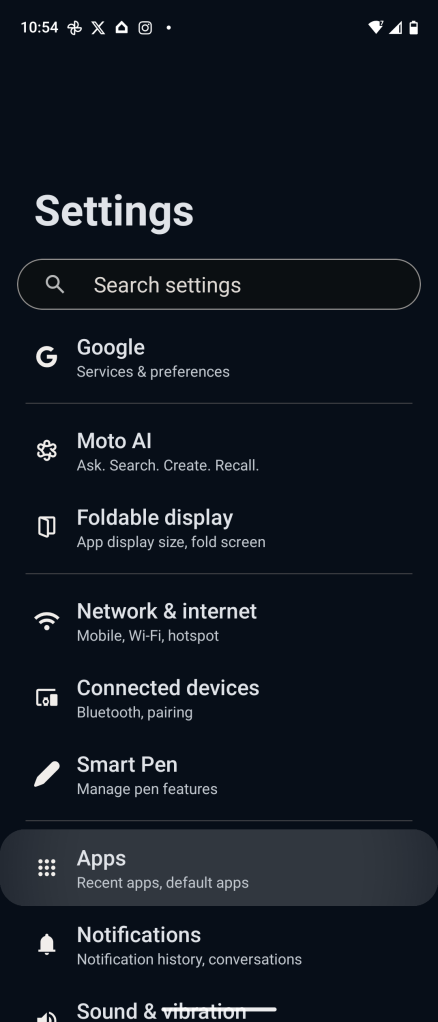
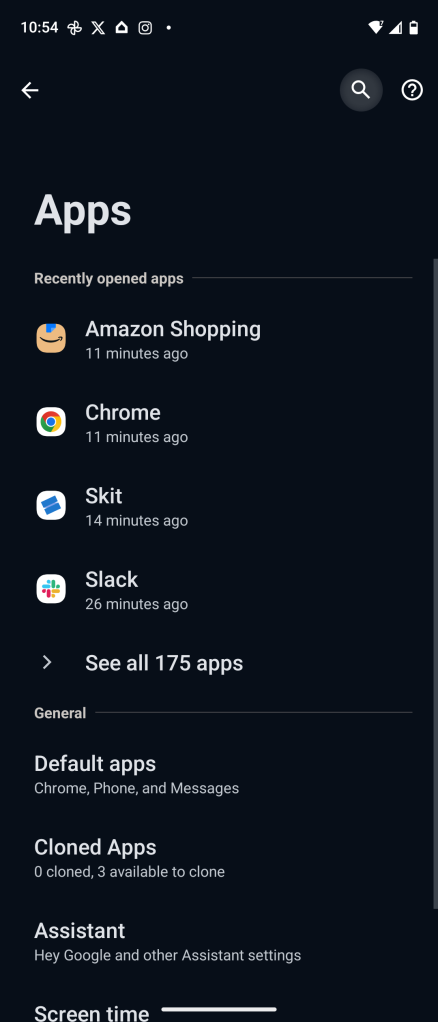
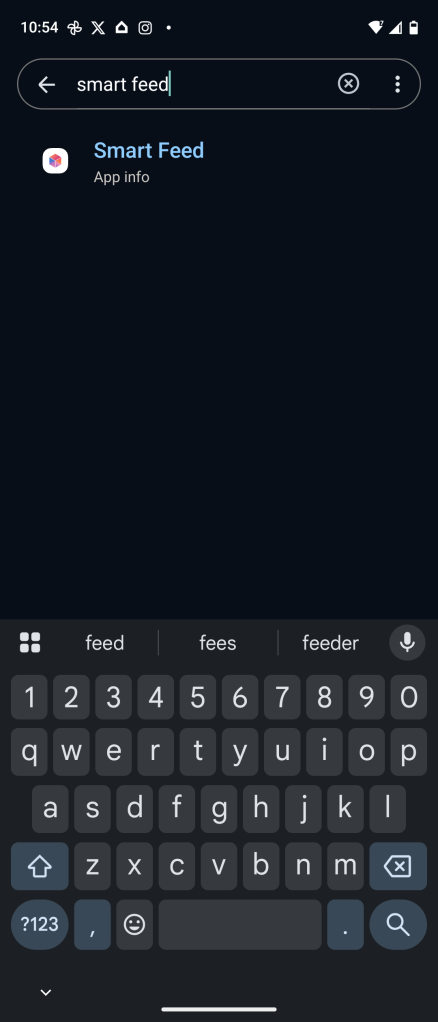
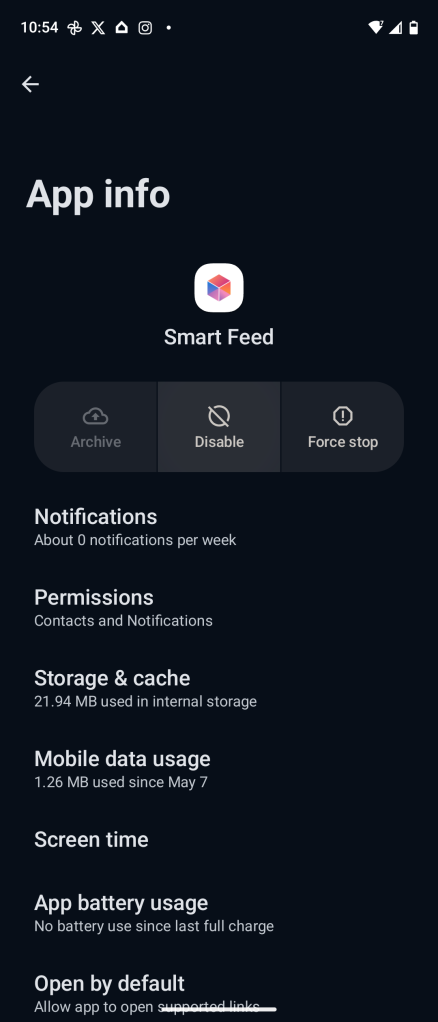
Firstly, show you how to turn this off. Since this behavior is stemming from a pre-installed Motorola app, you can just disable it (Settings > Apps > search “Smart Feed” > Disable). As far as we can tell, this has no immediate impact on your device and, on our affected Razr Fold, it immediately stops the redirect.
Secondly, we can speculate as to what’s going on – and that’s what the following is, speculation and conjecture. While many would quickly, understandably, point the finger at Motorola here, my gut says something else is going on, and that it might not be a decision Motorola actually planned out. The redirect through a seemingly fake website and affiliate code of an influencer that has no obvious ties to Motorola is just too bizarre to ignore.
Hopefully, we’ll get more details from Motorola in the near future. In the meantime, you should definitely disable the Smart Feed app to prevent this behavior on your device.
Follow Ben: Twitter/X, Threads, Bluesky, and Instagram
FTC: We use income earning auto affiliate links. More.