I recently jailbroke my 7th generation Kindle Paperwhite. While my motivation probably should have been "breaking free from Amazon's clammy and tightening grip", the truth is I wanted a way to use it as a clock on my nightstand. I found this project and figured I could just make some adjustments to the code. And that worked fine. But as I now had opened the door, I started thinking about if I could get Rust to work on the Kindle as well. Maybe I could do more useful stuff with it? As I have recently started to tinker with Home Assistant and smart devices again, the idea of a dashboard for some of the features could be a fun project. And while there are probably many perfectly fine projects out there, I haven't made any of those.
Telling a programmer there's already a library to do X is like telling a songwriter there's already a song about love.
-Pete Cordell
Cross compiling Rust for the Kindle
After some research I found out that I needed to target ARMv7 and musl libc. I have dabbled with Rust on ARM machines before, and know from painful experience that getting the Rust compilation toolchain to work on such low-powered devices is a non-starter. Luckily there are great tools for cross compilation. My go-to for cross compiling Rust is, rather ironically, cargo-zigbuild. The Zig compiler ships with musl libc sources and headers built in, for all supported architectures. It also has its own linker, so zig cc can act as a complete cross-compile toolchain for any musl target, on any host. Compiling for the Kindle becomes as easy as:
* Installing Zig
* Installing cargo-zigbuild
* cargo zigbuild --release --target armv7-unknown-linux-musleabihf
Getting shell access on the Kindle
With my hello-world-app ready and built, I needed a way to get it on the kindle and run it. While I probably could have used KUAL which I installed during the jailbreaking process, I wanted to also be able to see stdout to verify my application actually works. After some digging I found the USBNetwork tool that allows for setting up SSH access to your device either via USB or Wifi. For convenience I added an entry in my sshconfig and copied over my public key. Note: ssh-copy-id did not work for me, I had to add my .pub file to /mnt/us/usbnet/etc/authorized_keys on the Kindle.
Hello, World! Now what?
With shell access in order I was able to confirm that my cross compilation toolchain did indeed work, "Hello, World!" showed up as expected. But a program that prints to stdout readable over SSH is not much help on a Kindle.
As Rust has matured, quite a few GUI libraries have sprung up. Personally, I only have experience with Slint, so that is what I reached for. Could I get it to work on the Kindle? From my experience with getting Slint to run on a Raspberry Pi I knew the ARMv7 platform was supported out of the box. The missing links would be output to the e-ink screen and input from the touch panel.
We have visual!
Slint supports various renderers and backends, including a handy and lightweight software renderer that works on basically anything. By supplying a LineBufferProvider that implements process_line() we are able to take one by one line of rasterized visual output, convert it to grayscale and write it to the framebuffer, that on my Kindle is just a file at /dev/fb0 that we have memory mapped. I love the linux philosophy of "everything is a file" sometimes. Now the only thing left to do is to notify the driver to refresh the display, which is how e-ink works. This is done via the libc crate with ioctl() (input/output control). We pass in the dirty region to be refreshed, handily provided by Slint internals.
Touch me here, touch me there
With pixels on the screen, the other half of the puzzle is getting the touch panel to talk to Slint. And again the "everything is a file" mantra comes to the rescue: the touch controller shows up as /dev/input/event1, and we can just read() from it. Each read gives us back a struct that the kernel has written directly into our buffer: a timestamp, an event type, a code, and a value. No parsing, no protocol, just a memory layout we have to match.
The Kindle uses the Linux kernel's multi-touch protocol type B, which means events arrive as a stream of "the X coordinate is now this", "the Y coordinate is now that", "the tracking ID is now this" and then a SYNC_REPORT event that says "okay, that batch is done, you can act on it now". So we accumulate the latest X, Y and tracking ID as events come in, and on each SYNC_REPORT we figure out what to dispatch to Slint. A tracking ID of -1 means the finger lifted, which becomes a PointerReleased. Otherwise, the first sync after a touch-down becomes a PointerPressed, and any subsequent ones become PointerMoved. Slint handles the rest.
It actually works!
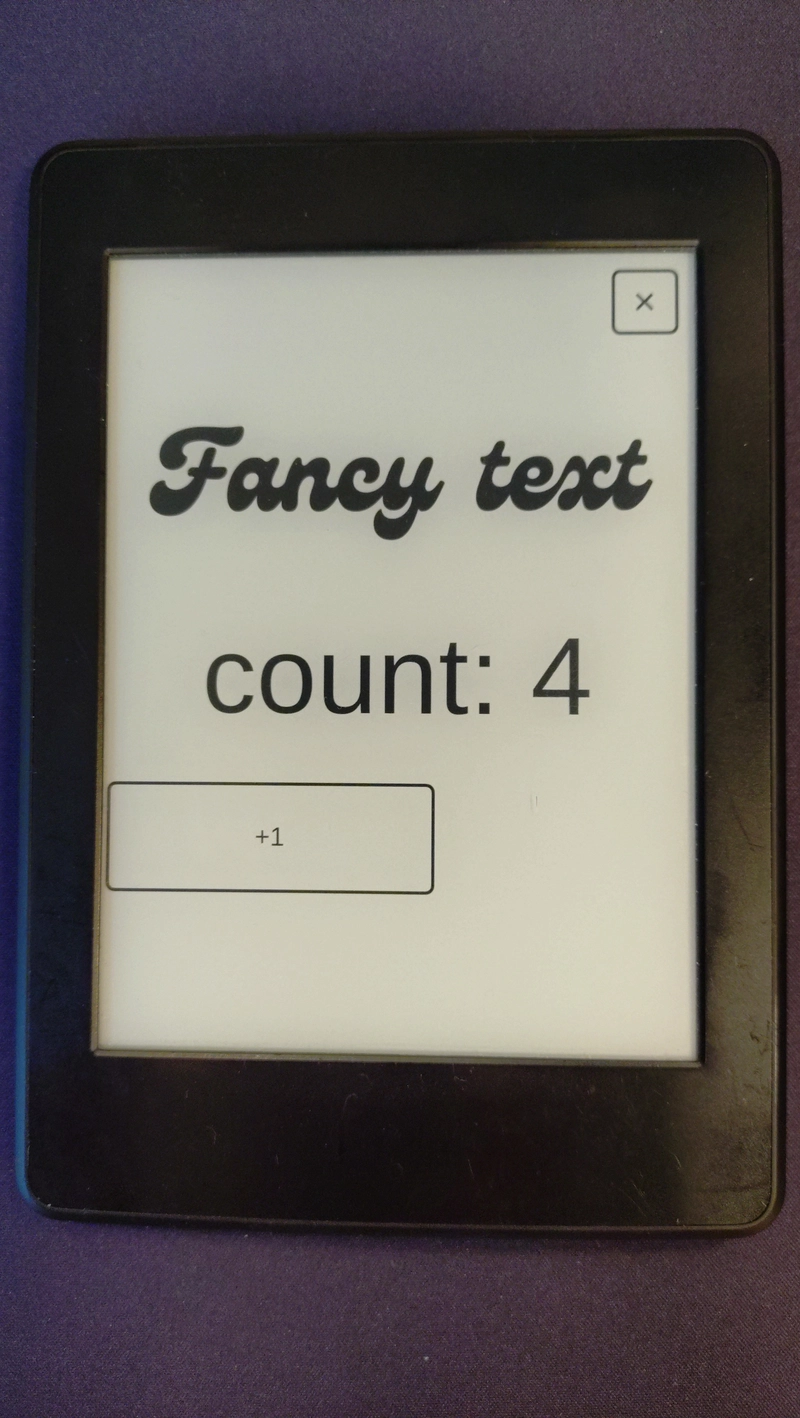
After a lot of debugging of no visible output, screen not refreshing, double refresh flashes, touch input not registering, touch input registering twice and lots of more bugs I had a counter and a increment button.

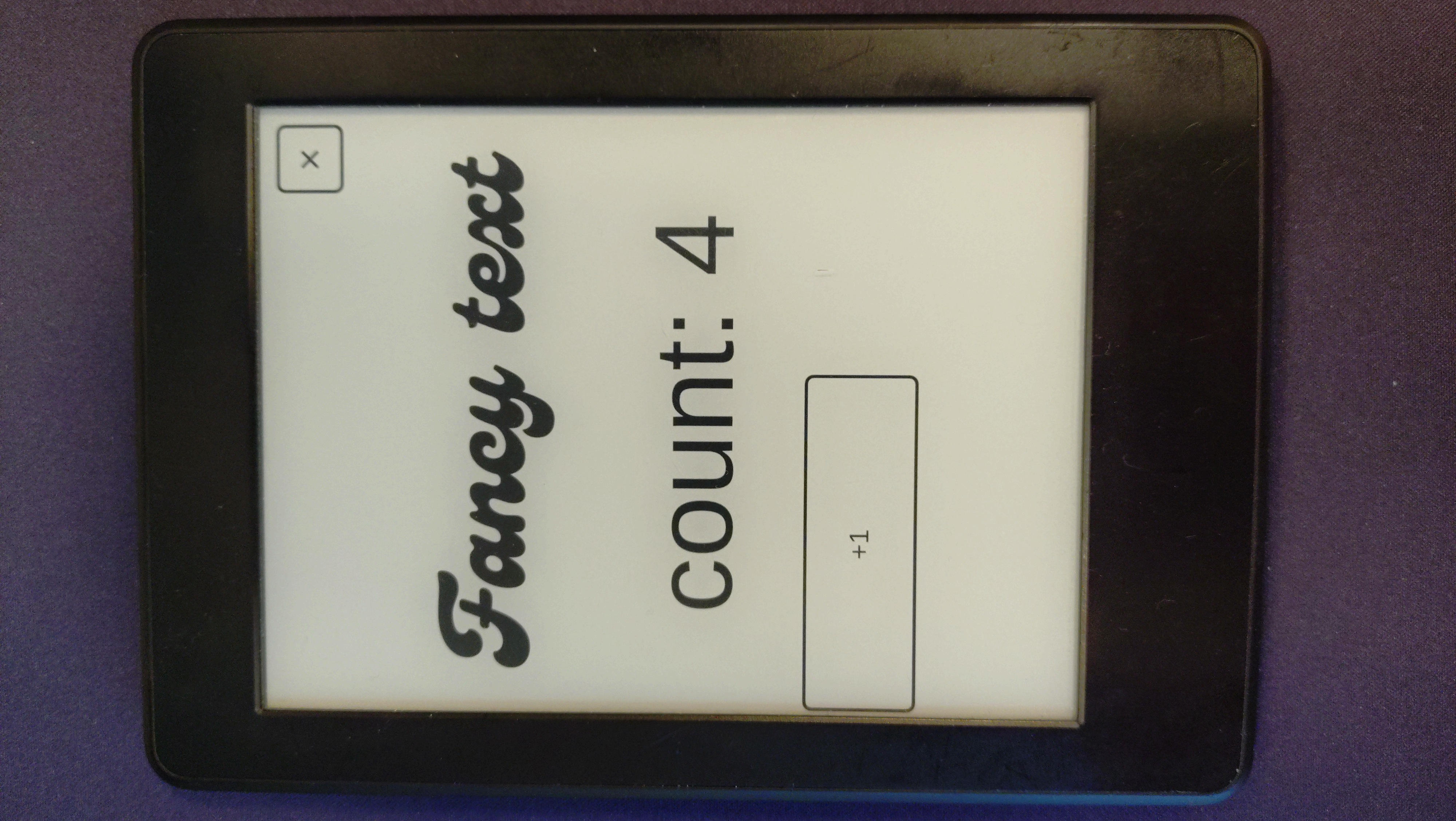
With an seemingly working (at least for my specific device, it will probably need adjustments for other Kindle versions) kindle-backend for Slint, I extracted the relevant code into a separate crate and published it on crates.io.
With that in order, I just need to draw the rest of the owl (dashboard). That will be another time.