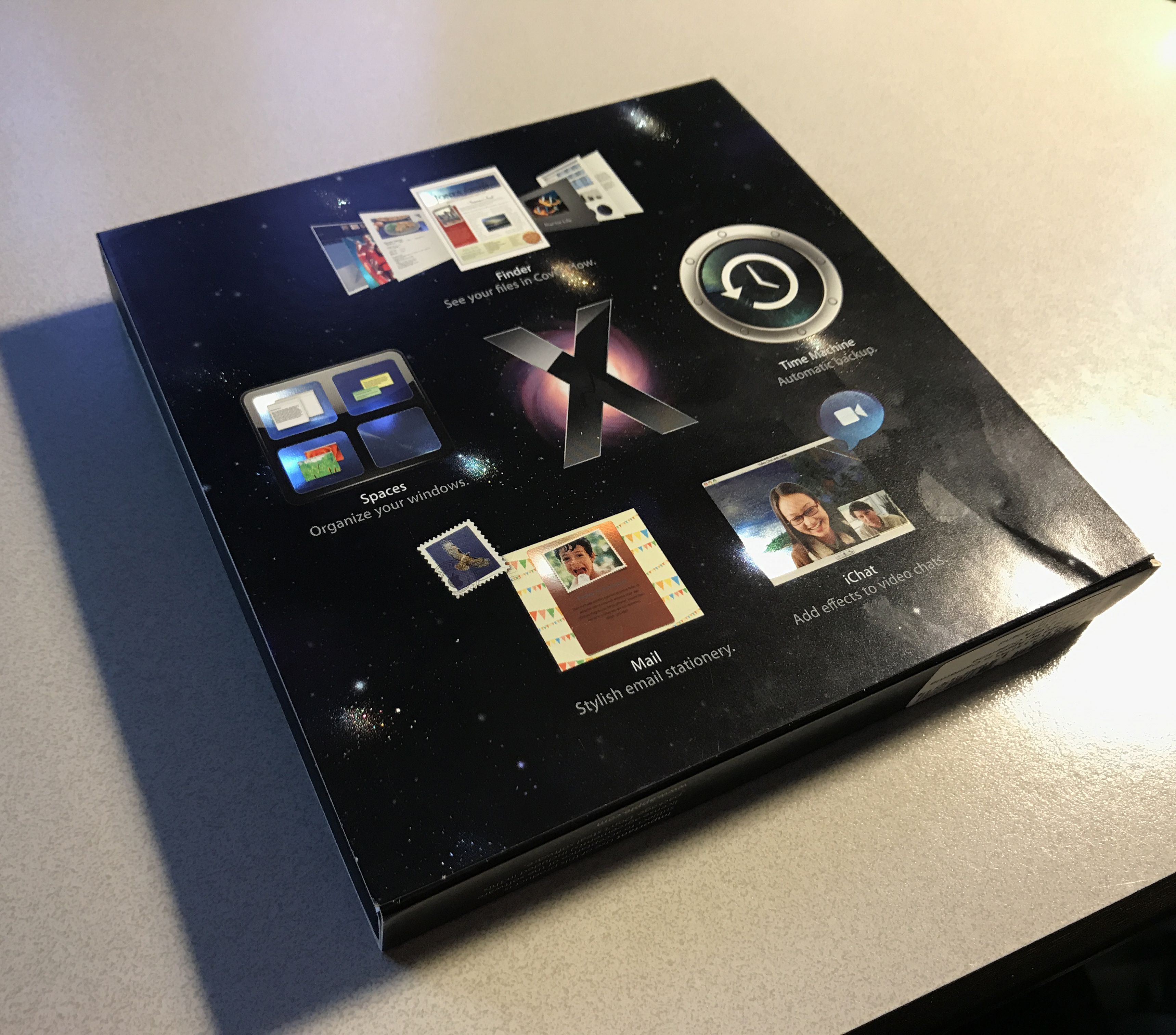
Two decades ago I had a better Mac desktop experience than I have today. I only had a single low res (by todays standards) screen, yet I felt like Hugh Jackman in Swordfish - deftly navigating more than nine displays without thinking, muscle and spatial memory working seamlessly together.
TLDR; I built an app to return macOS spaces to its Pre-Lion Grid-enabled Glory. Read on for the increasingly rare experience of an actual human dropping a bit of nostalgia, the thinking behind why make this and some issues encountered along the way. Or just download it here
2006
Around the time I was experimenting with Japanese toilets, I was also experimenting with desktop operating systems. I had spent most of my developer career up to that point using Windows but had begun trying desktop Linux and then macOS after a popular presentation enticed me enough to buy a Mac just so I could start using TextMate.
Textmate (and its revolutionary text-snippets) were the catalyst to my migration but funnily enough I don’t remember continuing to use it for very long. Other editors quickly caught up but I stayed with macOS. My career also moved into iOS development so it wasn’t really a choice after that. In any case one thing from that era did stay with me long term.


macOS Leopard Spaces
The big OS release in 2006 was macOS 10.5 Leopard. It had a bunch of feature releases, the most notable probably being Time Machine. But 20 years on I still don’t use nor miss Time Machine. I miss what John Sciracusa’s epic review labelled a grab bag item. I miss Spaces.
Spaces introduced virtual desktops to macOS and allowed you to arrange them in a customisable grid. Anyone who has used virtual desktops in this way knows the benefit. It allows you to treat them like actual displays in spatial locations. I always favoured a 3x3 grid and treated it like I had 9 screens. Centre screen was my web browser, the screen above my web editor so I could flip back and forth with a single key press. Top left was Xcode, the screen below the iOS simulator. The other screens had other allocated applications/purposes that I don’t exactly remember (mail/itunes/chat etc…) but the benefits were obvious, I could move from one screen to another without thinking, it became muscle memory like I was looking at actual separate physical displays.
I found this grid layout so useful I ended up incorporating it into other applications I built, the grid of 16 sequencing screens you could navigate in my Drum Machine EasyBeats was directly inspired by Apple’s screens.
2011 macOS Lion
With the release of macOS Lion, Apple introduced Mission Control, its new take on virtual desktops that inexplicably restricted them to a horizontal line only. I remember thinking at first that I just hadn’t seen the setting somewhere, Apple wouldn’t just completely change how I used my computer right? right?
Wrong. So Wrong.
A single row was/is such a step backwards. If I wanted to get to a particular screen via the keyboard I now had to endure sliding horizontally the whole way. If I remembered the direct keyboard shortcut I could jump directly, but did I leave my browser on screen 7 or 8? This new layout completely destroyed any hope I had of maintaining spatial memory.
I wasn’t alone in my frustration. Alternative solutions popped up but the best of them Total Spaces caused me weird slowdowns and relied on modifying the system dock which was a no go once that eventually required bypassing system integrity protection.
Over time I gave up, and learned to deal with it. An iOS developer had little choice in the matter, and later when I moved onto a new chapter with my current employer I had already bought the extra physical screens and well… just dealt with it :sadface:.
But but window managers…
Right now I know some readers are just shouting at their screen “Learn Yabai/Aerospace/whatever”. I’ve tried them all and come away realising they are not for me. I think that its that I don’t particularly like “windows on a desktop” as a concept. It feels like shuffling between papers on a desk, sure the papers can be organised neatly, but I really just want different workstations where everything is as I left it. I like macOS “fullscreen” apps, I sometimes put them in split mode but I really like the concept of dedicated areas for one task only.
A Solution Appears
Any way like I said, I had learnt to deal with it and merely occasionally complained to my colleagues about maybe moving back to Linux with my next work machine. That was until a couple of months ago, when I saw that someone had managed to remove the animation from macOS when you move from one space to another, without needing system edits. This animation clearly annoyed some people but never really bothered me. However as soon as I saw a space move without an animation I instantly realised I could solve my complaints.
Passion still has a place?
A common discussion with my tech career aligned friends is, in this new age of LLM code generation, does good software have value? If anyone can create software by simply describing it, does it (or will it) make sense to try to make paid software anymore? I think so. I think there is still real value in someone really refining something to the best it can be, making design decisions about how something should behave. I no longer make my living as an indie developer, but I did for a long time and I’m not sure much of what set a good app apart from the pack has changed.
Take a look at any of those knockoff games that flood app stores. Most of the time the problem with them isn’t that they aren’t original or too simple, the problem is the person or team that built them doesn’t care. Caring is what makes the creator “waste” time hunting down things that don’t quite feel right or worry about performance issues most users will never notice.
Anyway I really care about grid based navigation of virtual desktops.
Control aint easy
I like the idea of a lightweight wrapper around the native spaces, with support for desktops or fullscreen apps. Just with a grid to navigate. But there is a reason pretty much all solutions that controlled native spaces died out. macOS keeps most of the mission control apis locked down. Its not simply a matter of calling a documented api to add a new desktop, or re-arrange them around. But the ability to move to a space instantly meant I could just create a model that took the single row native spaces and presented them like a grid.
So with the help of an LLM I had an ugly but working prototype within a day. It worked and I was elated, it was instantly something I would have paid money for only days earlier. But after using it for a couple of days, I realised I wanted a much more polished tool.
Build something real
I decided to spend my very limited free time on it. About a month later I got it to the point where I was pretty happy with it. I decided to name it GridLion, for no reason other than it’s a grid and my issues with macOS Lion I mentioned above. I’ve had feedback this name is terrible, which may be right, but I also think that people value names way too much 😂. Anyway I won’t spend a lot of time talking about features implemented etc… as that’s better found over at the app page. Instead I think it is much more interesting to read about roadblocks and unexpected situations.
Permission Hurdles
It’s funny how you only notice how backwards something is when you are trying to make it easier for others.
To allow this app to capture global keyboard shortcuts and navigate spaces it needs the macOS “Accessibility” permission. This is totally reasonable, I wouldn’t want software unbeknownst to me the ability to capture key presses. But the flow of how this is approved could be done better like it is on iOS. In iOS if you request a permission, a prompt appears and asks for that permission, if you approve it enables the permission. Done, pretty easy. On macOS however its a whole song and dance. Request permission, user gets a prompt to open accessibility setting or deny. If they approve, the settings open, then the user has to find the specific little toggle and enable it. Another security prompt then done. Why isn’t this at most 2 prompts?
Things get worse however if you want small previews of your spaces ( I do, and most people will I suspect ). This requires enabling the “Screen and System Audio Recording” permission. Like before a dialog pops up asking for permission, which upon approval then leads to another where again you have to find the correct toggle, switch it on where you have to approve yet another dialog, that this time quits and reopens the app. sigh The worst bit of all is that should the user have made it past all these hurdles, because Gridlion needs to create previews of non visible windows/screens you get the scariest dialog yet:


Thats last one is a pretty effective dialog. I even hesitate to click it and I wrote the app 😬. Its a bit excessive for the tiny space preview snapshots but this is what you get when you are trying to do something that should be integrated in the OS. Not much can be done about this except making sure that the app builds trust by never touching the network unless requested (update checking if desired and license key validation).
The app works without that permission, but I think the upgrade is worth it personally.


No AppStore for you!
I’ve only ever sold software through the iOS AppStore. I started it all up so long ago that I don’t remember the hurdles of setting it up. But since GridLion calls private APIs to get space information it’s not permitted on the AppStore. So I had a quick look around at potential solutions.
My first instinct was just to setup website that used Stripe apis and included GST for Australian customers. I am Australian and had done this for a couple of SAAS projects in the past but after being spoilt with the completely hands off nature of various AppStores I was more interested in that sort of service.
Easy Peasy?
Apparently what I wanted was a Merchant of Record. Someone to handle purchases, taxes and refunds. There seems to be three main companies providing this service: Paddle, GumRoad and Lemon Squeezy. I was attracted to LemonSqueezy due to their License code API. Upon purchase they give the customer a license key, and provide methods for activating/deactivating/validating.
I had naively thought I could just create an account, link my Stripe (I believe Stripe acquired/bought/something them) and be selling in minutes. The process however is a bit more drawn out than that. You need to demonstrate to Lemon Squeezy that you are reputable, selling something of actual value/use. There was a few screen casts sent and some social media account proof needed. It was not a problem for me but I could see someone just starting out encountering some roadblocks here.
In retrospect I fully understand these kind of requirements. It’s easy for someone with good intentions to forget about those out there with bad intentions, and since it’s actually LemonSqueezy that deals with the customer ( at least with regards to payments ) they are right to take measures to protect their reputation.
That said even before approval, you have full access to a test account which meant integrating with the app was really easy to setup and test. This all pretty low risk experiment for me but I must admit that I’m looking forward to seeing if this a viable way to sell software outside the app store (Yes yes I know it was this way for decades 😅).
LLMs don’t care about UX
I use LLMs all the time in my day job. I use them as coding assistants and I build products around their services, but this is the first time I’ve used them on a personal native app project and I found the experience… interesting. LLMs are like super fast ships, you set them off in a certain direction but without a good feedback loop they will go off course. You plot the GPS for Venice but arrive at the Venetian, sure it looks the part, but it’s not what you wanted.
Feedback loops depend on the project. With my day job, I’m generally working with concrete targets, correct api results or large dataset queries. If a plan is well specced, the LLM can often see immediately if a result isn’t as desired, then iterate. The bulk of my time is spent reviewing.
This project has been very different. So much of a user interface is about feel, so for anything user facing a human has to be in the loop. It has me questioning the actual gains here. On the one hand, since I haven’t really been doing native mac/iOS work for nearly 10 years the LLM has certainly helped me, but at the same time I think me 10 years ago would have made the same app in the same amount of time and gained a lot more insight along the way.
It does nearly everything I want
I’m the number one user so I have attempted to add everything I wanted.
- Easy to navigate and rearrange grid of spaces
- Fast/Stable with no slowdowns
- Display specific settings (grid size, hotkeys etc…)
But some things remain. If you want to move a space from one display to another or a window from one space to another there are no reliable apis for that. Fortunately since GridLion works with Mission Control, you can just use mission control to do such tasks but it does niggle at me a little bit I can’t simply do it myself.
Lastly the ability to have certain applications always appear in a grid location on load. This was a feature of the original macOS spaces but perhaps wouldn’t even be useful for me anymore. Setup/Re-arranging is fast and I rarely restart. Also If you look at the screenshots above you’ll see that I often have many VSCode windows open and I’m not sure how that would have been handled. In any case I’ll probably keep working on a solution in the future.
macOS native
All this said, I would be very happy if next macOS they announced grid based spaces returning. This should be an OS feature again. Until then though feel free to give GridLion a try.