
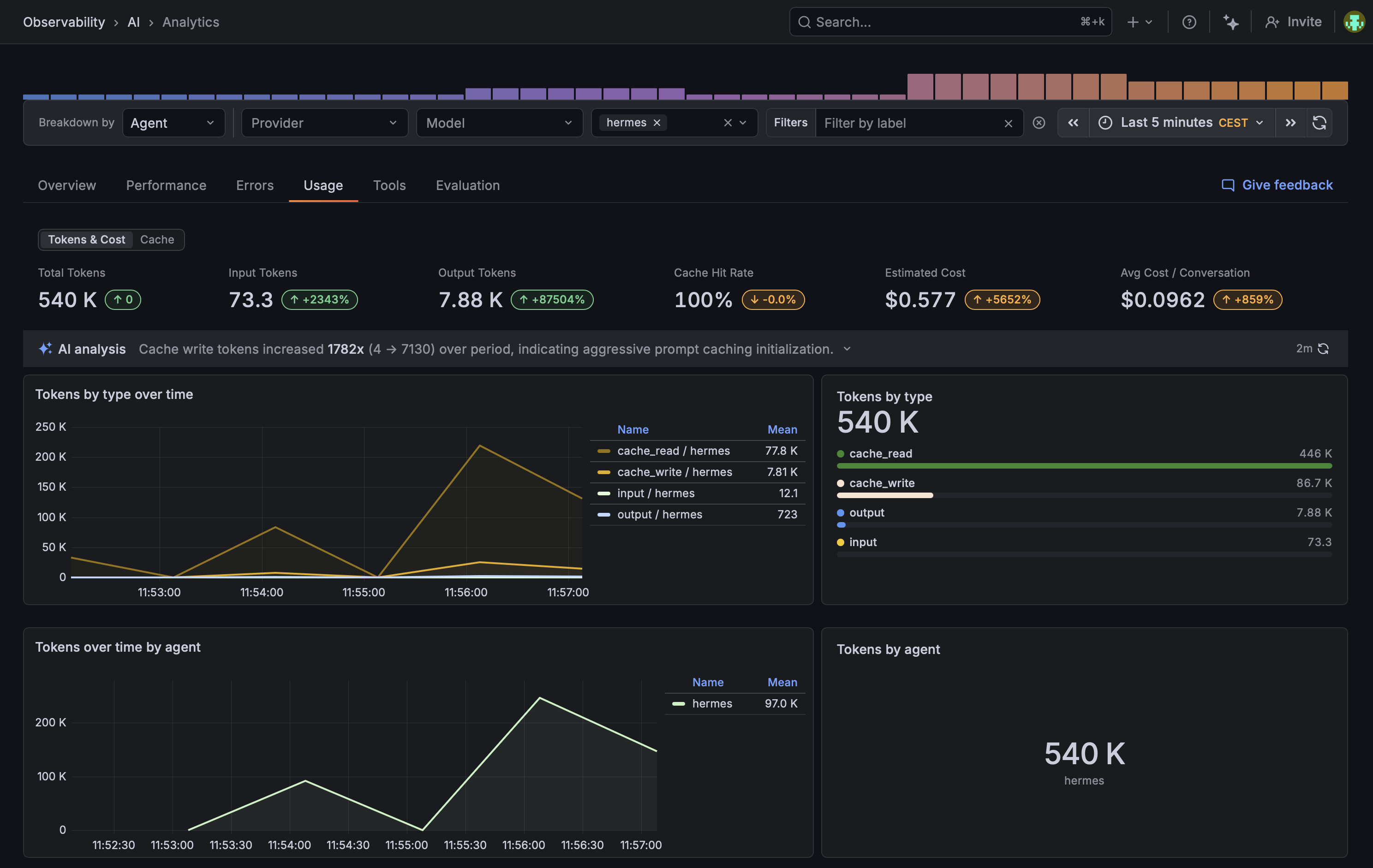
Grafana Agent Observability plugin for Hermes Agent. Records LLM calls and tool executions as generations and emits OTel traces + metrics.
Paste this into Hermes (or any Claude / Codex / Cursor / similar agent that can fetch URLs):
Install and configure the Grafana Agent Observability plugin for me by following
https://raw.githubusercontent.com/alexander-akhmetov/grafana-agento11y-hermes/main/llms.txt
The agent will walk you through pip install, ~/.hermes/config.yaml, and the credentials from the Agent Observability setup page. It will also explain what conversation data flows by default and how to tune it before turning anything on.
pip install grafana-agento11y-hermesInstall into the same Python environment hermes runs from (which hermes to check). Then enable the plugin in ~/.hermes/config.yaml:
plugins:
  enabled:
    - agento11y
Hermes's
plugins enableCLI does not see pip-installed plugins yet. It only scans~/.hermes/plugins/and the bundled directory. Editing the YAML directly is the workaround.
The package, the module, the entry-point key and the env vars were all renamed.
- Reinstall:
pip uninstall hermes-plugin-sigil
pip install grafana-agento11y-hermes
The uninstall is required. The new package has a different name, so pip installs it alongside the old one instead of replacing it, and both would register a plugin.
-
Change the key in
~/.hermes/config.yamlfromsigiltoagento11y. The old key no longer resolves, and hermes will not load the plugin without this. -
Rename your
SIGIL_*env vars toAGENTO11Y_*, keeping the suffix (SIGIL_ENDPOINTbecomesAGENTO11Y_ENDPOINT). The setup page in Configure below gives you a fresh block with the new names. The plugin still reads the old names for now and logs what to rename, so nothing breaks the moment you upgrade. The SDK itself ignores them, so this fallback goes away once the SDK is fixed.
Everything comes from one page in your stack:
https://<stack>.grafana.net/a/grafana-agento11y-app/setup
- Click Create token.
- Click Copy as environment variables.
- Put the block in the environment hermes starts from.
Create the token first.
The block you get:
AGENTO11Y_ENDPOINT=https://agento11y-<...>.grafana.net
AGENTO11Y_PROTOCOL=http
AGENTO11Y_AUTH_MODE=basic
AGENTO11Y_AUTH_TENANT_ID=123456
AGENTO11Y_AUTH_TOKEN=glc_...
OTEL_EXPORTER_OTLP_ENDPOINT=https://otlp-gateway-<...>.grafana.net/otlp
OTEL_EXPORTER_OTLP_HEADERS='Authorization=Basic <base64 of "123456:glc_...">'
If you do not have a Grafana Cloud account, create one at https://grafana.com/auth/sign-up/create-user/. The free tier is enough.
AGENTO11Y_DEBUG=true hermesIn ~/.hermes/logs/agent.log you should see:
grafana-agento11y-hermes: installed TracerProvider with OTLP HTTP exporter
grafana-agento11y-hermes: installed MeterProvider with OTLP HTTP exporter
grafana-agento11y-hermes: client initialized (generations=configured, otel=configured)
Ask hermes anything, then check Grafana Cloud -> Observability -> AI -> Conversations.
Apache-2.0.