Voor de Nederlandse versie van deze website, klik hier
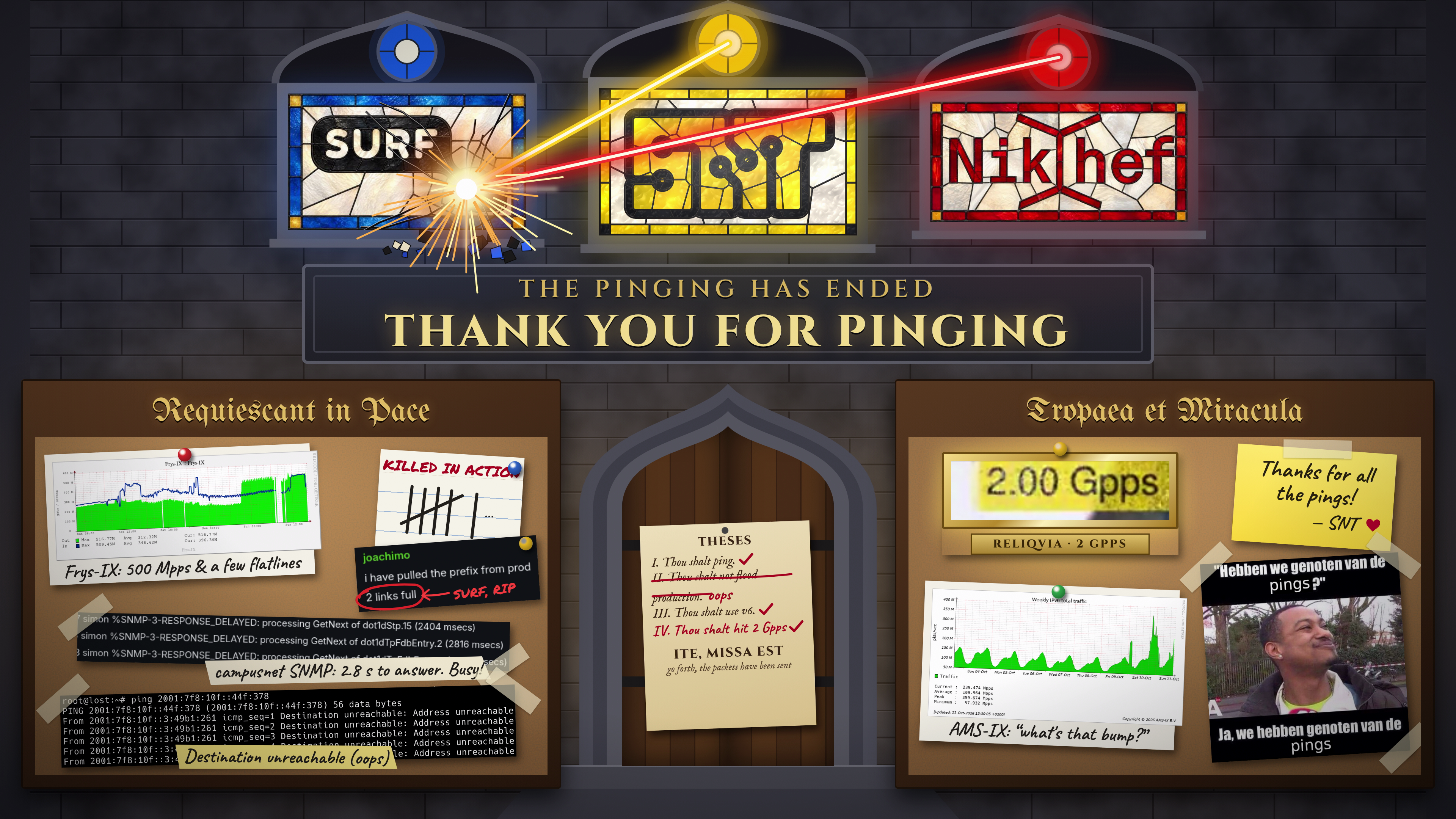
SNTPings is over, timelapse coming soon
On the 9th of October, we are celebrating the launch of SURFnet Infinity. Therefore, it is time for another edition of SNTPings! Draw on a shared canvas for everyone to see by sending ping packets as fast as possible! Hack away at building a fast pinger, become famous drawing things, and help stresstest the new network.
Pinging will commence on Friday October 9th, 18:00 CEST (Europe/Amsterdam time), and will continue throughout the weekend until the 11th of October at 23:59. Prefix is announced, happy pinging!
This is the biggest SNTPings event to date, with a whopping 1.6Tbps of bandwith for our receiver. To achieve this, our receiver hosts are hosted in Nikhef and the uplinks are provided by Nikhef and SURF.
Join the chaos
Send an IPv6 ping packet to the following address:
2001:610:5ea:221e:<X>:<Y>:<B><G>:<R><A>
All values are in hexadecimal notation. The resolution of the screen is 4K, so 3840 × 2160 pixels. X and Y represent the coordinate on the canvas. R G B A represent the color.
Note that the actual prefix to ping will be announced when the event starts. The livestream announces the prefix at 18:00 CEST (Europe/Amsterdam time). See also the links below
Example: to make the pixel at (25,25) SNT Yellow (#FFD100) with 100% opacity, execute the following command:
ping6 2001:610:5ea:221e:0019:0019:00d1:ffff
Note: SNTPings does not send a reply back.
Please be considerate of others. Any kind of abuse, like inappropriate content or exceedingly high packet rates will lead to blacklisting of your source address prefix at SNT’s discretion.
The final frame of the livestream:

Join us in #snt:utwente.io on Matrix, or #snt on IRCnet.
What does it look like?
We have the timelapse from 2024 for you! Do note that firstly, that edition was bandwidth limited to 40Gbit/s, and secondly, the streaming & recording setup were less robust.
Thanks to Kevin Alberts for recording & uploading the timelapse!
Is it open source?
Yes! The software we used is described below.
How does it work?
All packets first go through a Nokia router, which receives 10x400Gbit/s (!) of potential pings throughput.
Firstly, it sends a sample of the traffic to our management host Schietbaan. This host runs our homegrown software Overwatch which has the following functions:
- Provide a view of what IP ranges are roughly sending what data
- Banlist management
- Dynamic packet loss algorithm
- Pretty graphs!
As mentioned above, in Overwatch SNT will have access to a rough overview of who pings what. This aids us in banning users that are pinging anything deemed unfit for a public livestream.
Furthermore, the traffic sample is used for our dynamic packet loss algorithm also mentioned above. This makes it such that the harder you ping, the more packet loss is simulated at the Nokia router. This results in a square root-ish relationship between pingspeed at the source, and pingspeed let through the router. We implemented this to make the event more fair for people pinging from (relatively slow) residential connections.
After the filtering by the Nokia router, the remaining traffic is sent to our “painting” host, Stoffig. This host is able to handle 4x400Gbit/s of pings. It happily receives these pings and paints the packets onto the canvas for the world to see.
In turn, Stoffig outputs the canvas onto an HDMI link, which is connected to our streaming host Kassa2. This is a NixOS host, with the full configuration available at https://gitlab.snt.utwente.nl/erents/kassa2. It converts the received HDMI stream to a HSLS stream for the world to see. It streams this through a 100Gbit/s connection. The stream link is supplied above.
The setup is visualized in the diagram below:

Are you a student at the University of Twente? Does this sound mesmerizing? Join SNT, you are a perfect fit!
Thanks
We would like to thank Jetse, Eli, Tijn and Thomas for their help in managing and setting up the event, Tristan and Daniël from Nikhef for courteously hosting the SNTPings receivers, Edwin, Joachim, Joey, Stefan and Dennis from SURF for generously providing 10x400Gbit/s uplinks, and of course all SNT members for making this event possible!