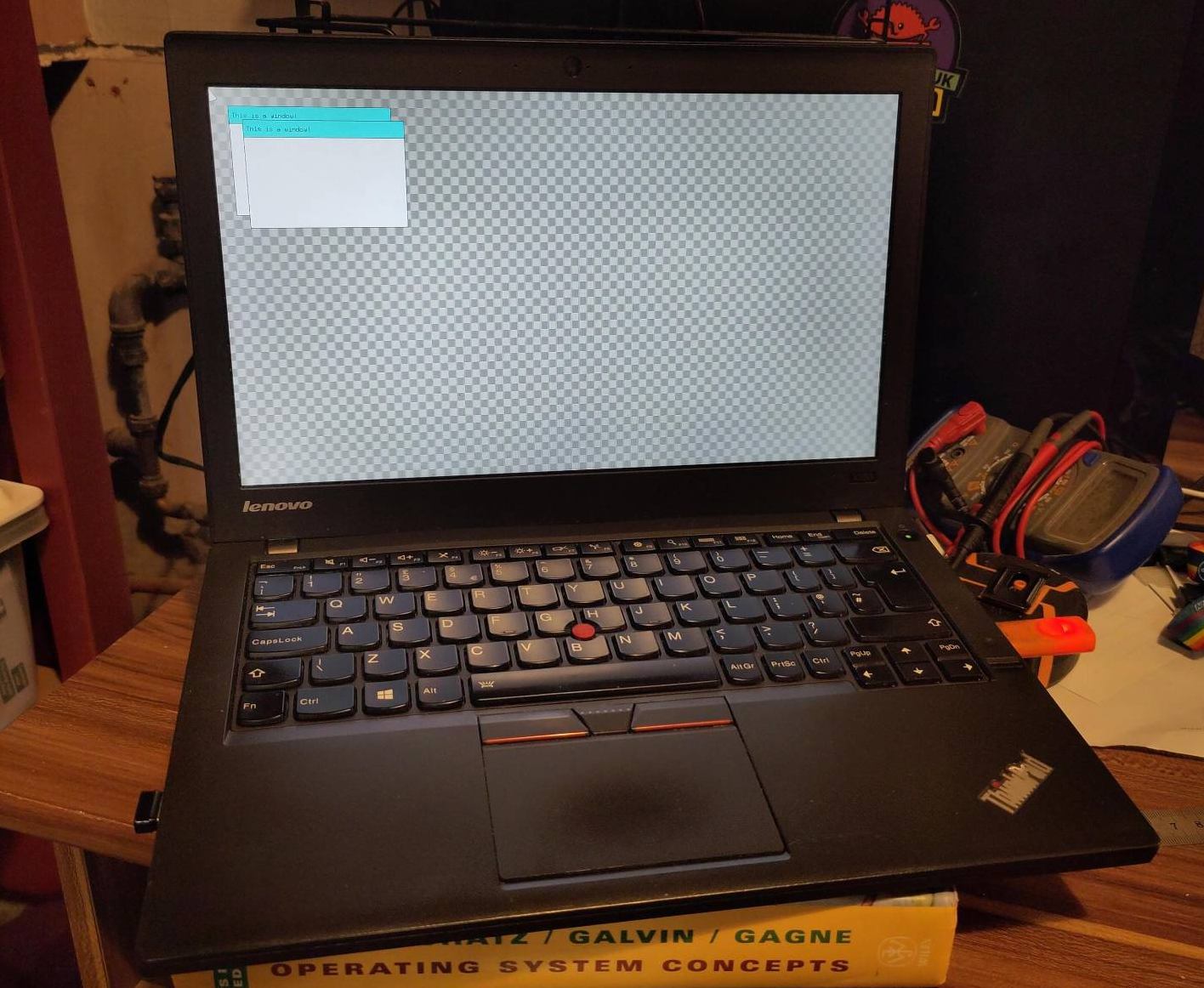
I’m not a big owner of things, but the best laptop I’ve ever owned is a roughed-up 2015 Thinkpad X250.
For the flex, here it is running a GUI shell sat on top of the microkernel I’m currently working on (blog post about this incoming… eventually).

Here’s a list of things that I think make it brilliant. I don’t want to pretend that any of these things are uniquely exemplary: far from it. It is the confluence of them, and not any one in particular, that makes me love using it.
Size
It’s pretty tiny. Its form-factor fits snuggly into the footprint of an A4 piece of paper, so it sits alongside books and folders when placed in a small rucksack without risking damage.
It weighs almost nothing too: even with the extra capacity battery, it’s only about 1.45 Kg. Light enough that you almost don’t notice it when travelling.
Performance
Mine has an i5-5200U: 4 logical cores, maxing out at 2.7 GHz. I upgraded it to 8 GB of RAM a while back: more than enough for some light on-the-go programming.
Even at full pelt, I’ve never heard the fan kicking up much of a fuss. Now that I think about it, I’m not even certain that it works.
Battery
The X250 has both an internal battery and an external battery slot. I’ve opted for the largest after-market external battery I could find. When doing casual work the laptop will easily survive for north of 10 hours without a charge, stretching to 12 hours if I’m careful.
Repairability
The X250 was quite popular and replacement parts retail very cheaply on ebay. It’s not the easiest to disassemble Thinkpad by any means but I can tear it apart entirely with the pocket phillips I keep on my keyring. I have previously replaced:
- The internal battery
- The lid camera
- The keyboard
- The motherboard
Every time you open up a laptop you run the risk of damaging something important either via a slip of the hand or simply the accumulated toll of loosening and tightening dozens of tiny screw threads. Despite that, my X250 has proved remarkably resilient and has never sustained any major damage despite more than more than a dozen tear-downs.
Keyboard
As with most Thinkpads, the keyboard feels lovely to use. When you spend a lot of time writing code the reliability and sensitivity of a keyboard starts to matter a lot. Coupled with my text editor, the experience of writing code on the thing is beautifully snappy.
Operating System
I opted for Endeavour OS. In the usual Arch Linux tradition, it favours native package installs over sandboxed applications. As a result my install sits at around 30 GB. A 128 GB M.2 SSD raided from another second-hand machine is more than enough to cover that and everything I’m working on.
I’ve slimmed down my systemd setup as much as possible and the thing boots from cold in about 8 seconds.
Cost
Here’s where the X250 beats out most competition. I bought mine second-hand for about £100 in 2018. They’ve only got cheaper since then. I’m not afraid to take it anywhere because it’s barely worth stealing and would be cheap to replace even if that were to happen. Its value is very much not in its on-paper specs and instead in how I use it.
Conclusion
I get a certain glee in keeping older or second-hand hardware running as a daily driver. It sounds silly, but it feels like a quiet revolt against bigger-faster-costlier consumption culture. Come the end times, this is the machine I’ll be riding it out with.