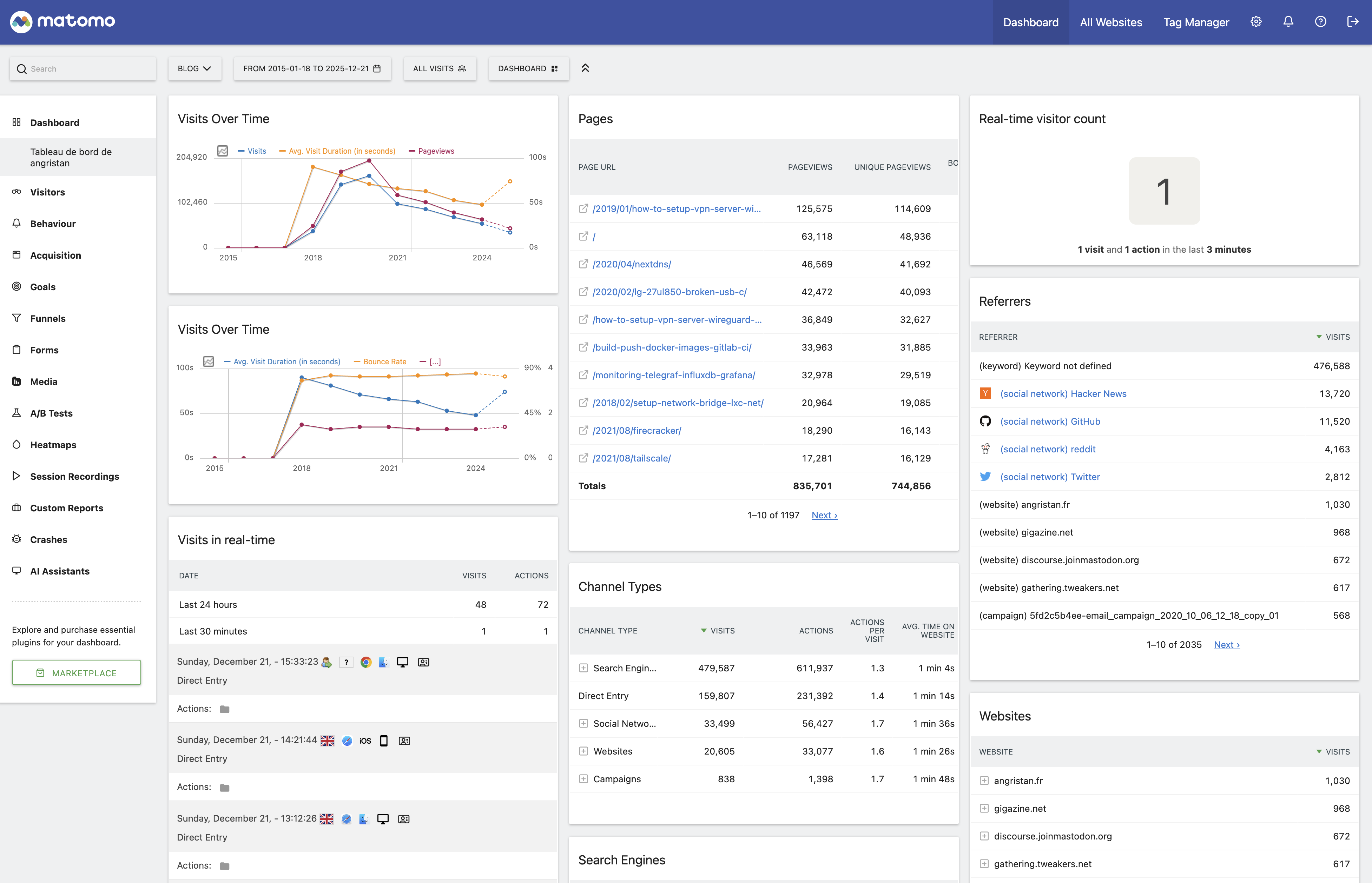
Quickly after starting French blog in 2014, I switched from Google Analytics to Piwik for my web analytics. It’s been since renamed Matomo in 2018. It’s been working pretty well for more than 10 years, and I’m thankful for the creator and maintainers.
Finding a modern alternative to Matomo #
In 2022 I started using Umami as well, with the intention of replacing Matomo. Matomo has barely evolved in terms of UI, and it feels pretty dated now. Umami, in comparison, has a much more modern and clean UI.
Matomo also has a lot of features, most of which I don’t use. It has a few gotchas like this weirdness around updating it in its Docker image. It terms of stack, Matomo is PHP + MySQL, Umami is a NextJS app with PostgreSQL. Not fundamentally different, but Umami is just simpler to host: automatic database migrations, no plugins, reduced feature set, etc.

It’s been a few years now, and I’m happy with Umami! I’m feeling like it’s time to decommission my Matomo instance.
However Matomo holds my analytics data for angristan.fr and stanislas.blog for the past 10 years… I don’t want to lose that!
I tried searching for a way to export my data from Matomo and import it into Umami, but it doesn’t seem to exist. There is an open issue on this subject. It seems that their Cloud hosted version has an import feature, but it’s not open source. Fair!
I was able to create my own tool to do so, by studying the data models of both Matomo and Umami, and evaluating how to possibly map every field. It’s available as angristan/matomo-to-umami on GitHub.
It’s a Python program to migrate analytics data from Matomo’s database (MySQL/MariaDB) to Umami’s database (PostgreSQL). It extracts visitor sessions and pageview events from a Matomo database and generates SQL INSERT statements compatible with Umami’s schema.
It covers all the features I need! I double-checked that the mappings were correct for browsers, countries, etc. And things such as outlinks and downloads, or return visits to make sure the bounce rate is the same.
I decided not to use APIs to export/import sessions to bypass any limitations and have full control. It’s also much faster to do raw SQL.
Testing the migration #
To sanity check my data in Umami, I set up a local docker-compose environment in the repo which allows me to import the generated dump into a local umami instance to check if the numbers and values look good.
This was very useful and allowed me to catch bugs. I suggest that anyone following the migration step do a sanity check as well.
My migration #
I run both Matomo and Umami on my k8s node. Matomo is backed by a MariaDB instance and Umami by a PostgreSQL instance.
I have two sites to migrate:
| Matomo ID | Umami UUID | Domain |
|---|---|---|
| 1 | a5d41854-bde7-4416-819f-3923ea2b2706 | angristan.fr |
| 5 | 3824c584-bc9d-4a9b-aa35-9aa64f797c6f | stanislas.blog |
Port-forward MariaDB #
kubectl -n matomo port-forward svc/mariadb 3306:3306 &
Dry-run migration (preview) #
➜  matomo-to-umami git:(master) uv run migrate \
 --mysql-host localhost --mysql-port 3307 \
 --mysql-user root --mysql-password password --mysql-database matomo \
 --site-mapping "1:a5d41854-bde7-4416-819f-3923ea2b2706:angristan.fr" \
 --site-mapping "5:3824c584-bc9d-4a9b-aa35-9aa64f797c6f:stanislas.blog" \
 --start-date 2015-01-01 --end-date 2022-07-10 \
 --dry-run -v
[22:13:22] INFO     Configured 2 site mapping(s)
           INFO     Connecting to MySQL at localhost:3307
[22:13:23] INFO     Successfully connected to MySQL database

Dry Run Mode - No SQL will be generated

            Migration Summary
┏━━━━━━━━━━━━━━━━━━┳━━━━━━━━━━━━━━━━━━━━━┓
┃ Metric           ┃ Value               ┃
┡━━━━━━━━━━━━━━━━━━╇━━━━━━━━━━━━━━━━━━━━━┩
│ Total Sessions   │ 1,352,812           │
│ Total Events     │ 1,999,709           │
│ Date Range Start │ 2015-01-18 10:45:32 │
│ Date Range End   │ 2022-07-09 23:58:58 │
└──────────────────┴─────────────────────┘
                 Per-Site Breakdown
┏━━━━━━━━━━━┳━━━━━━━━━━━━━━━━┳━━━━━━━━━━┳━━━━━━━━━━━┓
┃ Matomo ID ┃ Domain         ┃ Sessions ┃    Events ┃
┡━━━━━━━━━━━╇━━━━━━━━━━━━━━━━╇━━━━━━━━━━╇━━━━━━━━━━━┩
│ 1         │ angristan.fr   │  861,301 │ 1,332,275 │
│ 5         │ stanislas.blog │  491,511 │   667,434 │
└───────────┴────────────────┴──────────┴───────────┘

Ready to migrate. Run without --dry-run to generate SQL.
Result: 1,352,812 sessions, 1,999,709 events to migrate
Generate migration SQL #

Import to Umami #
kubectl -n umami exec -i umami-cnpg-1 -- env PGPASSWORD=<password> \
 psql -h localhost -U app -d app < migration.sql

Now, I’m free to say goodbye to Matomo, and save resources.
Feel free to use matomo-to-umami, I hope it will be useful to someone else.
Thank you Matomo and Umami for being open source ❤️