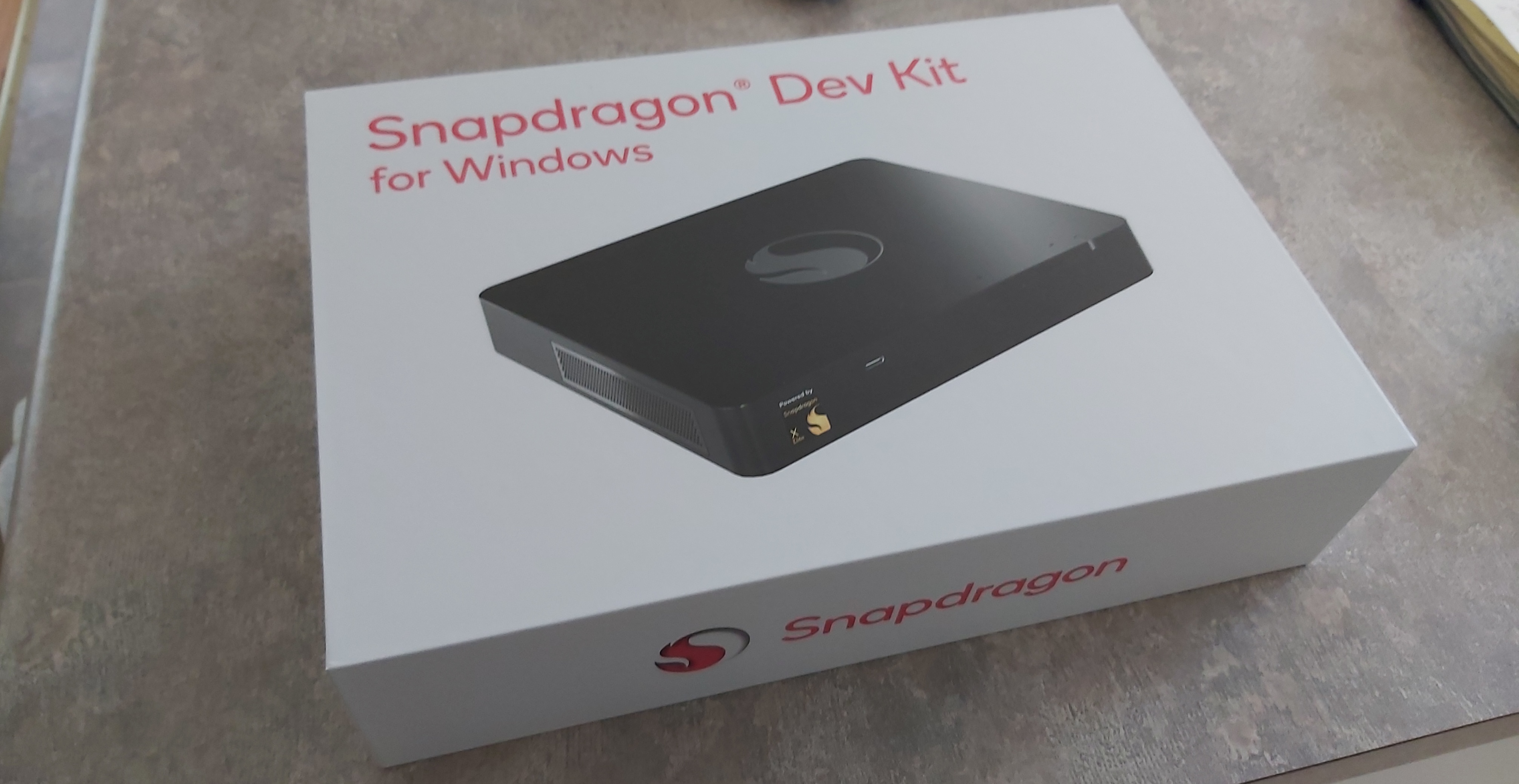

Back in October 2024, I got my hands on a Snapdragon Dev Kit. With a Qualcomm Snapdragon X Elite ARM64 CPU (the fastest model!), 32GB of RAM, and a 512GB SSD, it ran Windows 11 for ARM lightning fast. So I made it my daily driver, and it stayed that way until very recently. I even wrote a review of it one year later back in October.
Since the first boot, it’s been rock-solid and reliable every single day. And as someone who has used Windows since the beginning of time, I’m always combing through Event Viewer for software or hardware issues (there were none). Yes, the fan is noisy, as Jeff Geerling pointed out, but I don’t notice it because I work with headphones on.
Of course, that changed this past week.
IIn early December, a Windows 11 security update (KB5068861) failed to install and rolled back during reboot. I tried installing it two more times with the same result. I cleared the package cache, ran the usual sfc /scannow and dism /Online /Cleanup-Image /RestoreHealth incantations, and even tried manually installing the update from the Microsoft Update Catalog. No go.
So I Googled it, found that many, many people were having the same issue and that Microsoft was going to fix it with a future cumulative update. So I turned off updates for a month and went on my merry way.
This past week, I turned updates back on. While I was working, I got the usual Windows notification that a restart was pending from a recently applied update. I hit restart and immediately realized it was the same update, same failure, same rollback.
Only this time, the rollback didn’t go as planned. The system rebooted four times before finally loading into Windows. And when it did, it wouldn’t sign me into my Microsoft account. Entering my PIN got me in, but to a brand-new profile complete with the default, soulless Windows background.
I had Internet access and most of my apps worked, but I couldn’t open Windows Terminal or most other Microsoft apps… even Event Viewer. I decided to give it a fresh reboot (hey, it’s Windows after all). But right after the Windows logo appeared, the system either rebooted automatically or just shut down entirely… seemingly at random. A few dozen attempts later, I had to admit defeat.
Next, I tried checking the UEFI settings by booting into the Boot Device Selection (BDS) menu (by pressing the Home key during boot). Unfortunately, the BDS menu behaved sporadically: random freezing, options that wouldn’t select, and general weirdness. I thought it might be keyboard- or USB-related, but other keyboards in different ports behaved exactly the same.
Persistence paid off eventually, and one time I managed to get into the BDS menu and navigate all the options. Figuring a Windows reinstall was my best shot, I disabled Secure Boot, enabled USB-first boot, and turned on the UEFI option that allows WinPE to use external displays (since this isn’t a laptop).
I downloaded the Windows 11 ARM ISO, imaged it to a USB thumb drive, and prepared a second thumb drive with the Snapdragon Dev Kit drivers I had previously snagged from Qualcomm’s website in one big ZIP file (thankfully, before they disappeared). I was able to boot into the Windows 11 installer, and everything ran smoothly at first. I completed an installation that overwrote my existing C:\ partition, rebooted, and made it through the initial setup just fine.
After choosing my region and keyboard layout, I got to the screen asking for a driver to connect to the network. I browsed successfully to the second thumb drive containing the drivers, but before I could even click the file, the system froze and shut down.
Since then, every attempt to boot has failed. It won’t get past the Snapdragon boot logo before rebooting or powering off… again, seemingly at random. I can still get into the BDS menu, but no options are selectable. That means I can’t reinstall Windows 11 again, or try anything else for that matter, like Linux (which still lacks support for the Snapdragon Dev Kit).
I opened the system and reseated everything, including the SSD. No change. I even tested the SSD in another machine to rule it out, and it’s fine too.
The system was perfectly healthy and working fine right up until that Windows update failed.
Did the update somehow overwrite firmware it shouldn’t have? Or partially corrupt some UEFI or bootloader component, enough to boot sometimes, but not enough to stay sane? It could also be a Secure Boot or TPM state mismatch, or even a low-level power-management firmware issue given the random reboot-versus-power-off behavior. And since this is a dev kit with no documented firmware recovery path, even a normally recoverable failure might be permanent.
Or maybe a piece of hardware just failed at exactly the wrong time. No idea.
If Qualcomm hadn’t discontinued the Snapdragon Dev Kit, this probably would’ve been an inconvenience instead of a postmortem. A firmware recovery tool, documented reflashing process, or even a basic support path might have turned this into a bad afternoon rather than a dead system. On a supported consumer Snapdragon PC, I suspect this would’ve been annoying, but fixable.
Is this a problem with the Snapdragon platform itself? I doubt it. It was flawless as a daily driver from October 2024 onward. But this also isn’t a typical Snapdragon-based Windows PC… it’s the Snapdragon Dev Kit. The day it arrived was the same day Qualcomm announced it would be discontinuing it and stopping all future support. Unlike Snapdragon laptops from ASUS, Dell, or Lenovo, there are no OEM-backed recovery tools or firmware safety nets here.
And I certainly haven’t lost faith in the platform. The Snapdragon X Elite is excellent, and up until this one update, Windows 11 and the system performed flawlessly. It was a great PC for just over a year, and it’s a real bummer losing a 32GB machine that consistently smoked my Core i9 system.
Oh well. RIP, powerful little ARM box.
P.S. If Qualcomm ever releases a firmware recovery tool for this thing, I’ll happily update this post.