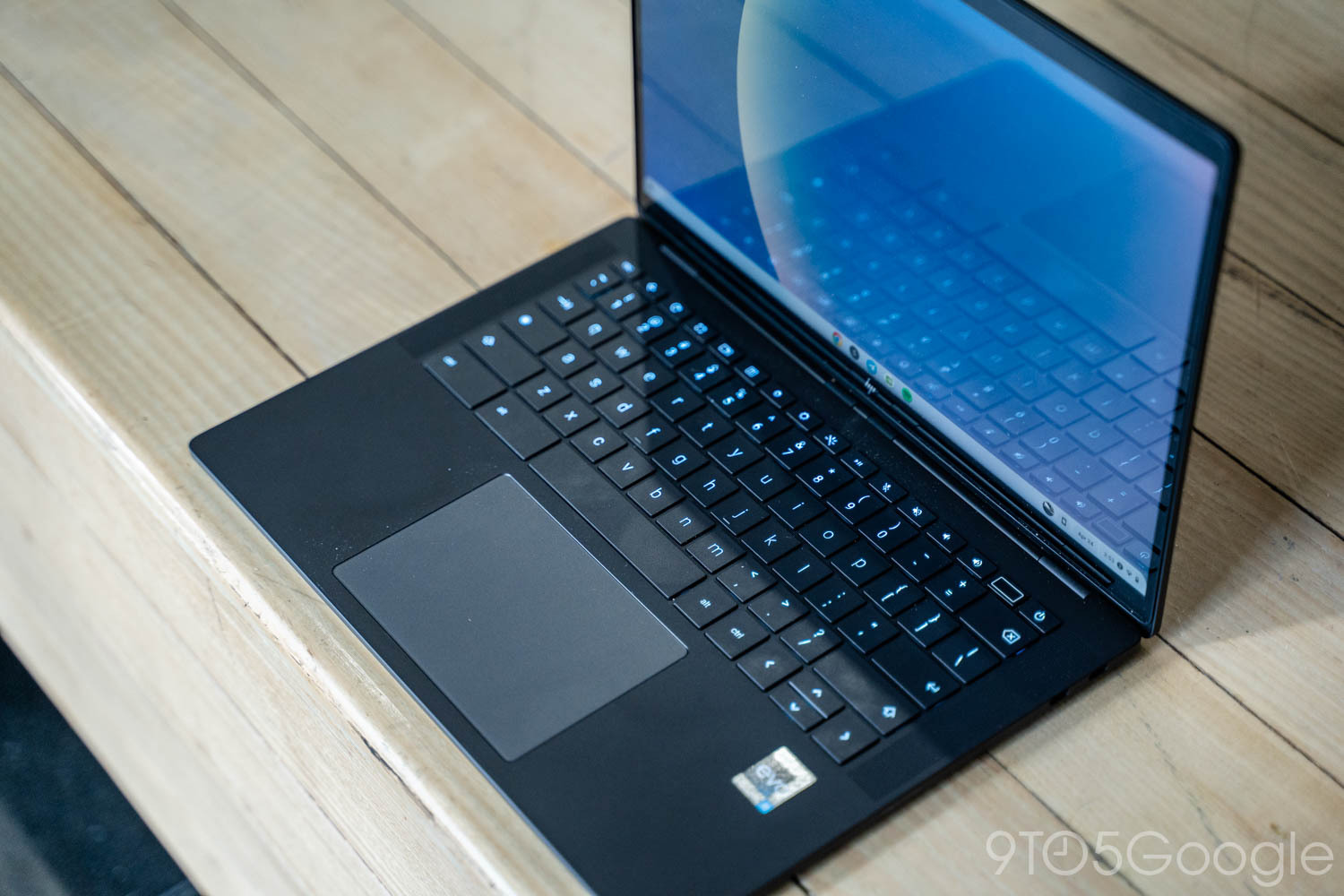
A Google bug report on the Chromium Issue Tracker today has inadvertently leaked the Android desktop interface for the first time.
The bug report published today about Chrome Incognito tabs was accompanied by two screen captures. From the description, we learn that the device being recorded is the HP Elite Dragonfly 13.5 Chromebook, board/codename “Brya(Redrix).” Pictured above, it runs a 12th Gen Intel Core (AlderLake-U) processor from 2021.
The build number for “ALOS” — Aluminum OS is desktop Android’s codename — ZL1A.260119.001.A1. Another reference in the video identifies this as Android 16. It’s not surprising that Google internally is using existing Chromebook hardware to develop the new experience.
DEVICE: Brya(Redrix) CHROME BUILD: 145.0.7587.4(Dev before upgrade) and 146.0.7634.0(Dev after upgrade) ALOS: ZL1A.260119.001.A1
Compared to tablets and phone-projected desktop mode, the status bar is taller and more optimized for large screens. We see the time (with seconds) in the top row followed by the date. On the right side, we see the Android 16 M3E battery icon, Wi-Fi, a notification bell icon, “EN” (presumably representing the set keyboard language), Gemini icon, and screen recorder pill. The recording interface resembles the mobile version
However, the Taskbar is identical to what we have today, while the mouse cursor has been slightly modified to have a tail.
The Google Chrome interface mostly aligns with the current large-screen Android version except for the Extensions button, which is currently only available on the desktop browser. We also see an example of split-screen multitasking.
Meanwhile, desktop windowing is mostly unchanged from what we have today, with the app name at the left. The minimize, fullscreen, and close buttons at the top-right are similar to ChromeOS.
Desktop experience on Android 16 QPR3 Beta 2:
FTC: We use income earning auto affiliate links. More.
