I have been using a Mac since 2012, and since then I have not used an external mouse (I did buy an external trackpad, and also own an iMac with trackpad included).
Mac trackpad precision is magical , I do web design and graphic design work on it with no issue at all. Most design work requires dragging cursor to move objects, dragging requires clicking the trackpad and putting force on finger repeatedly, and this can feel uncomfortable after extended period. Luckily there's a "Three fingers drag" option where you can place three fingers on the trackpad, then move them at the same time, to perform drag. This way not much force is required to drag objects, and along with enabling "tap to click", you can use the trackpad without clicking it at all. (just a light tap can be used as click)
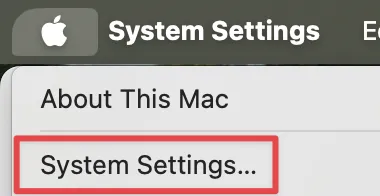
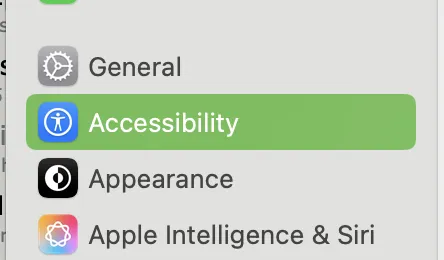
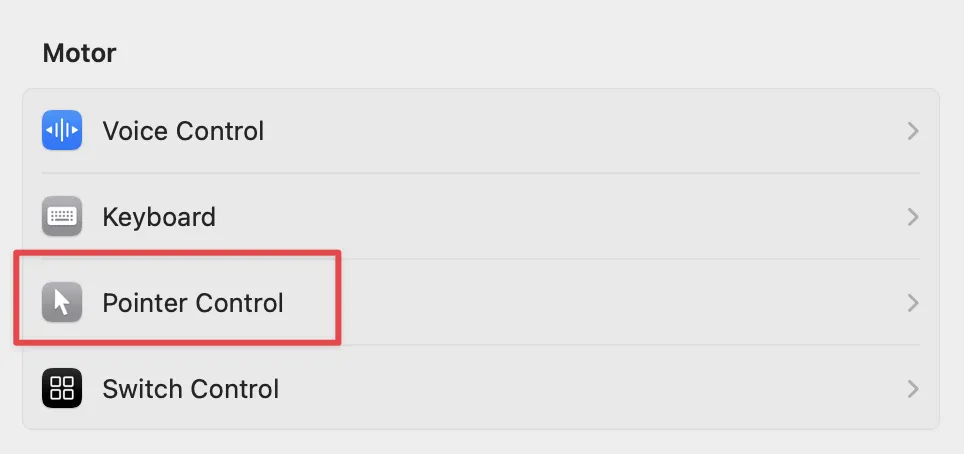
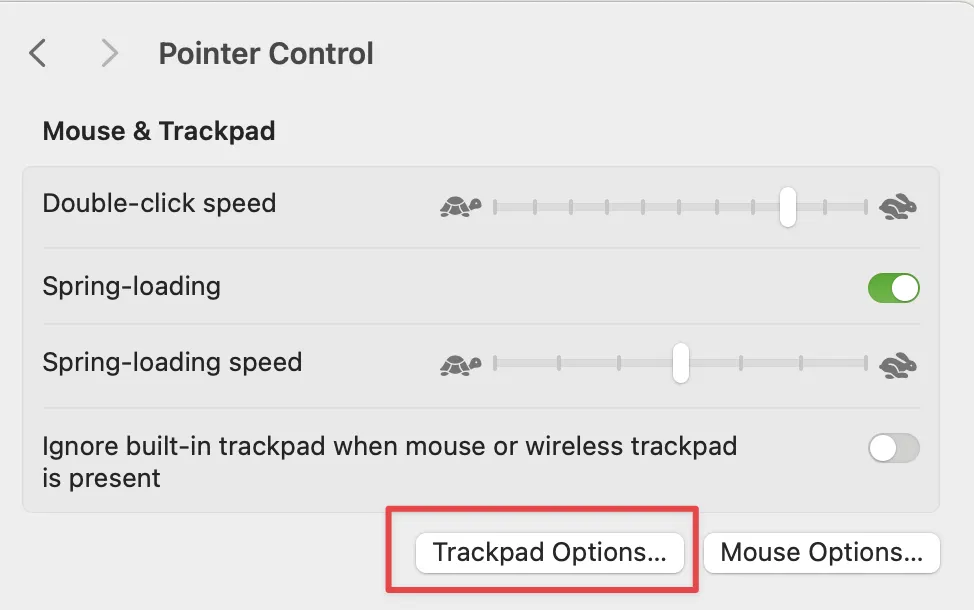
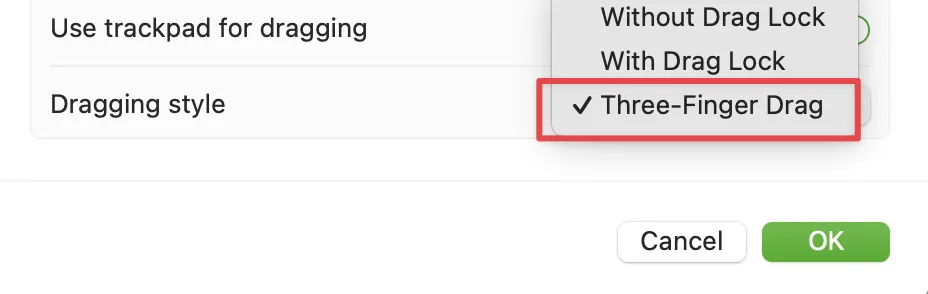
macOS setup guide used to include an option to turn on three finger drag, but now it has been hidden in the accessibility option. You can turn them on by going to the System Settings > Accessibility > Pointer Control > Trackpad Options > Dragging style , and select "Three Fingers Drag".
I am still amazed by Mac's Trackpad quality to this day. I used to own Windows laptops, and most of their touchpads are so shit that the retail store just gave out an external mouse as free gift, when you purchase them, because the laptop is almost unusable without an external mouse as pointing device lol.