The Z-machine is an early 1980s virtual machine made by Infocom to allow them to compile their text adventure games once and have them run on multiple architectures. It’s a good trick: if you have 10 games that need to run on 10 different computer architectures (ah, the good old days!) you can reduce the work from 10 x 10 compilation nightmares to 10 Z-machines + 10 compilation nightmares. And that maths compounds as you add more architectures and more games. There are many modern Z-machines that are part software archeology and part love letters to this age of text adventures.
I’ve always wanted to make one of my own and now I have!
My language of choice is Elm. But… the Z-machine is a direct memory access machine with a separate stack, designed to run on a very modest machine. The worst language to implement this in would be one in which all data structures are immutable and no functions have side-effects, a pure language. Like Elm. But there we are.
As an example of how silly an idea this is: imagine that you’re storing the memory as an Array of bytes. To write a bit to the memory in a non-pure language you might have a function that takes the memory, an address and a value. It would then write the value into the memory, perhaps returning a success or error code. We can’t do that in Elm.
Instead you’ll have a function that takes the same parameters but then returns a new memory with the byte changed. The original parameter remains unaffected. For a Z-machine emulator that looks like a lot of data copying and a performance/memory disaster - just to set one byte. Initially I thought it wouldn’t be practical without a lot of clever data structures. But actually, it turns out that Elm was already there. Arrays are backed by a persistent data structure - a RRB trie variant - that allows much better performance when slicing and appending. An initial test seemed to prove this and so I pushed on telling myself I wasn’t as crazy as I suspected.
A couple of weeks later - writing tests, wrestling with the Z-machine spec (the text encoding alone took a few days to understand), trying to find immutable patterns to support mutable operations - and I have a working Z-machine that can run a .z3 infocom game (version 3, the most common version) and that passes the Czech compliance test for Z-machines.
Some of it is not very pretty, but it works and it’s performant enough to be a viable way to build a good interactive fiction player - in the browser or elsewhere.

The main thing I want from this is to do some interesting client experiments (like if-pal). To make that easier I’ve done my best to give the library a clean interface for stepping and handling events. Time for a bit of elm code. I’m sorry.
It’s one line to load a .z3 file and get back a ZMachine:
ZMachine.load : Bytes -> Result String ZMachine
There are no infinite loops in elm so instead we run the machine for a maximum number of instructions and expect it to tell us if it hasn’t finished. We get back an updated machine and a StepResult:
ZMachine.runSteps : Int -> ZMachine -> StepResult
A StepResult gets you the result of a step/steps, a list of output events and a new machine:
type StepResult
    = Continue (List OutputEvent) ZMachine
        -- we ran the steps, but there are more to run
    | NeedInput InputRequest (List OutputEvent) ZMachine
        -- we need to get some input from the user
        -- once we have it call ZMachine.provideInput
    | NeedSave Snapshot (List OutputEvent) ZMachine
        -- the user's asked to save this snapshot
        -- once we've done it call ZMachine.provideSaveResult
    | NeedRestore (List OutputEvent) ZMachine
        -- the user wants to load a snapshot
        -- once we've done it call ZMachine.provideRestoreResult
    | Halted (List OutputEvent) ZMachine
        -- we're done
    | Error ZMachineError (List OutputEvent) ZMachine
        -- oops
An OutputEvent can be one of the following - the main ones to handle are PrintText, NewLine and ShowStatusLine:
type OutputEvent
    = PrintText String
    | NewLine
    | ShowStatusLine StatusLine
    | SplitWindow Int
    | SetWindow Window
    | EraseWindow Int
    | SetCursor Int Int
    | SetBufferMode Bool
    | PlaySound Int
I think that makes for a very simple surface with enough functionality to build a good client.
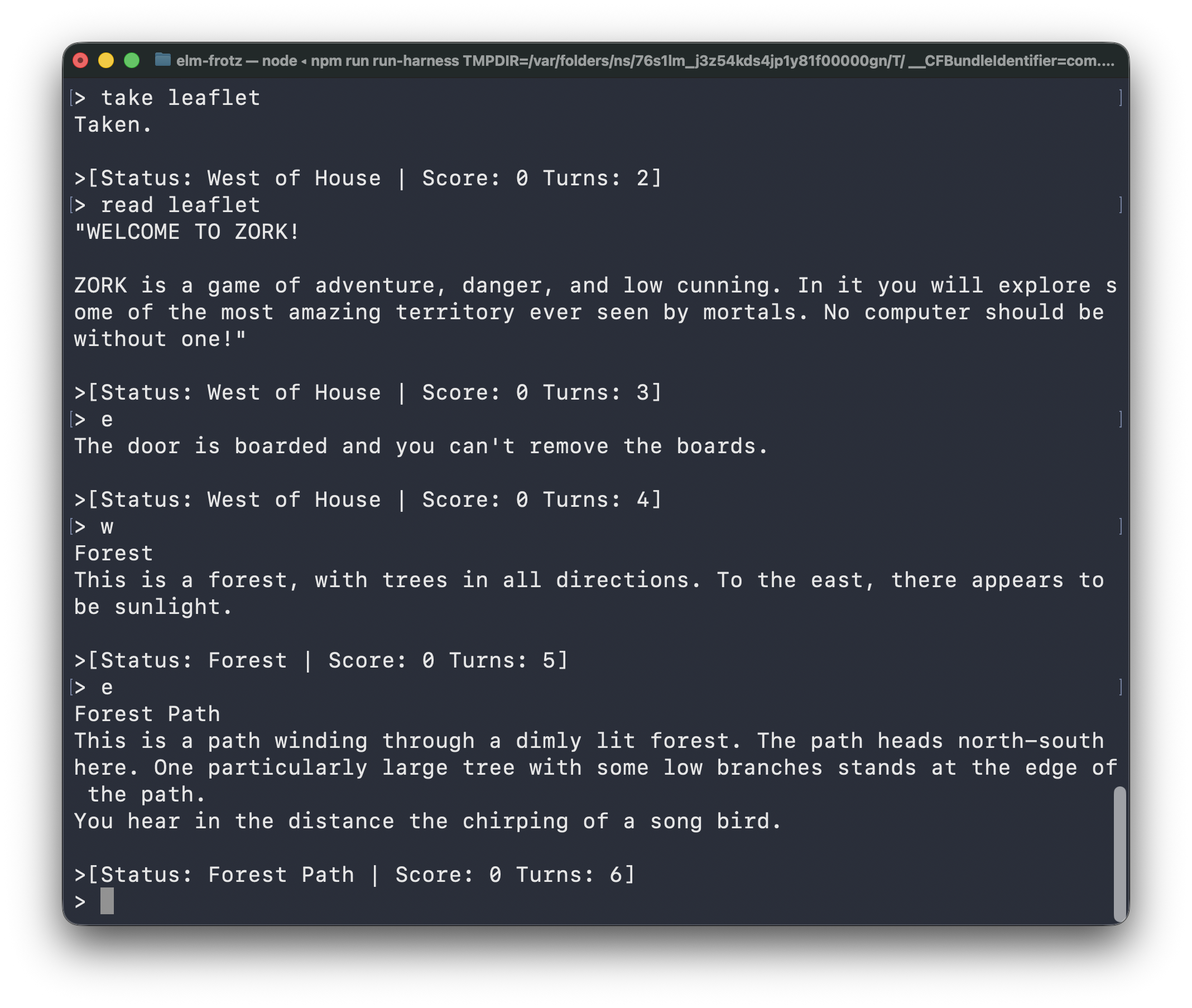
There are more details on the github page and in the repository there’s an example node.js/elm app that shows an example of using it with a copy of Zork1. If you’ve ever wanted to build your own infocom client - and really, who hasn’t? - this should get you a long way there.