As an exception to my usual posts, this time I’ll write about a feature that’s already released. Since Plasma 6.6, you can enable automatic brightness in the display settings… let’s take a look at how it works, and why it took so long to make it happen.
This is where the problems start - most laptops unfortunately don’t come with a brightness sensor, and there’s effectively no monitors that have a built-in sensor either (let alone one that can be accessed by the connected PC).
While it’s possible to buy or build a brightness sensor that connects via USB, brightness control for external monitors usually has limitations in how often we can safely adjust the brightness… So for quite some time, there was noone working on Plasma that had the combination of hardware, motivation and knowledge to do something about it.
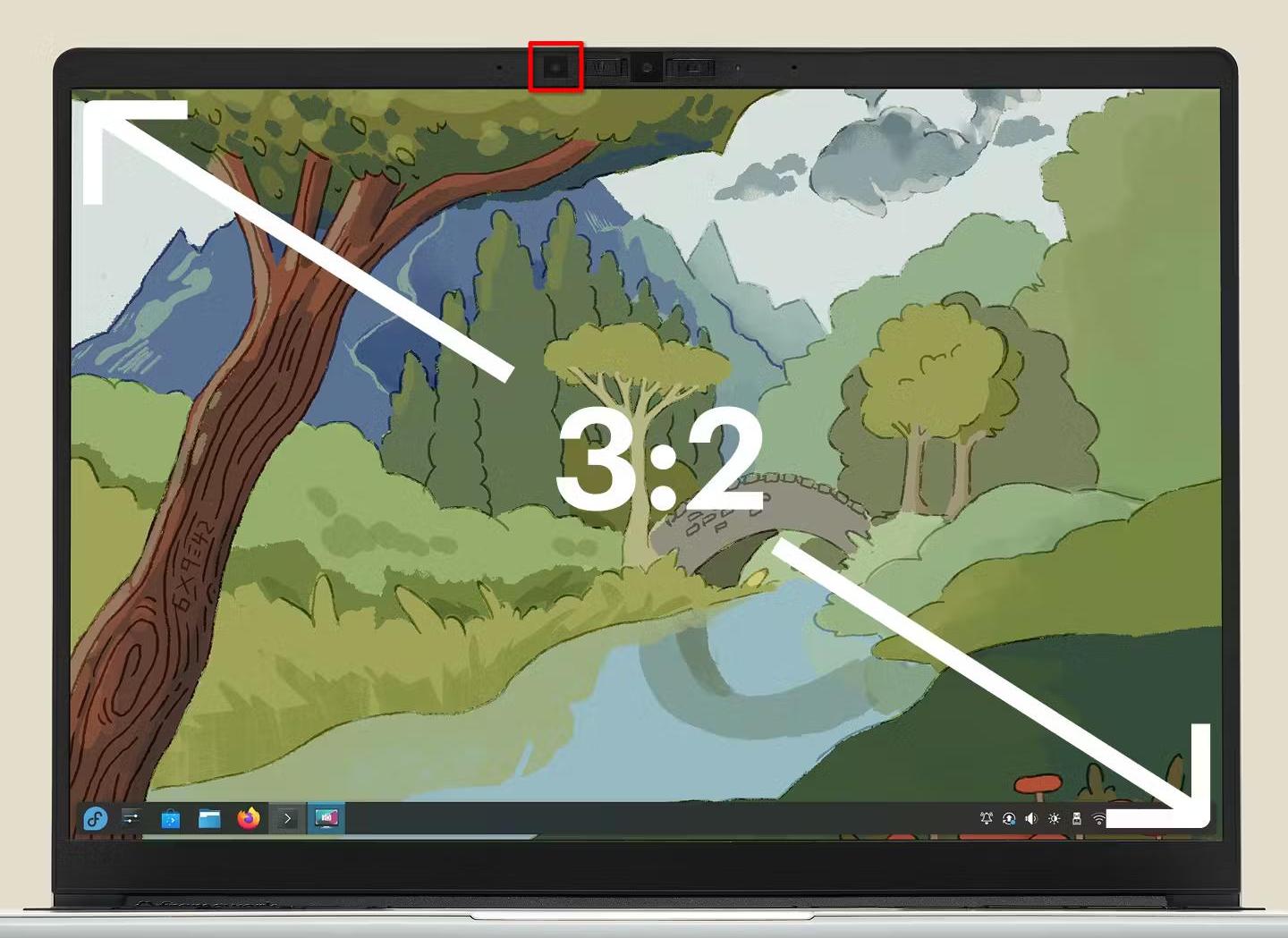
Luckily, the Framework Laptop 13 comes with a brightness sensor, so on the hardware side I was all set:

Making automatic brightness do something is easy, but making it work well enough that you actually want to use it is a very different story.
My first approach was to assume brightness of the display should scale linearly with environmental brightness. I tried this, and it was sort of usable, but just not good enough. There’s three problems with it:
- the brightness setting sadly does not linearly control display luminance. 0% is generally not “off”, and sometimes firmware or drivers make the curve non-linear to make the brightness more “intuitive”
- in order for automatic brightness to be easy to use, we can’t expect the end user to configure an equation for their system. We need to automatically detect what they’re doing, and configuring two parameters based off one brightness slider is a challenge
- the best brightness curve isn’t necessarily linear. Depending on your personal preferences and how reflective your display is, you might want to keep brightness a lot higher in bright environments than in dark ones, or vice versa.
So a different approach was needed. I looked a bit at other operating systems for inspiration, and from the UX side I definitely wanted to copy Android: You use the brightness slider however you want, and the system should try to replicate what you do on its own. On the implemtation side however, I only saw claims that it uses machine learning, so that wasn’t exactly helpful.
Ultimately, what I settled on is pretty simple: We just store 6 sensor values, one per 20% brightness step. When processing sensor readings, KWin finds the matching brightness setting by linearly interpolating between the two closest sensor values.

When the user touches the brightness slider or uses the brightness shortcuts, KWin adjusts the curve so the current sensor value will result in that desired brightness setting. At first, I only made it adjust the two closest points and enforce the rest of the curve to be monotonic, but it ended up causing problems:

With this configuration, any sensor readings above 100 lux - for example, 101 - resulted in 100% brightness. To fix that, we now enforce a minimum difference of at least 1 lux or 10% between control points, so the curve above would look more like

To ensure the curve would always stay strictly monotonic and so you can have an arbitrary backlight setting at zero lux, values below zero also had to be allowed when updating the curve with those constraints.
However, I was still not done. While it now followed my preferences pretty well, it was still annoying! Especially if you sit in between a light source and the laptop, or if you sit on a train with trees around the tracks (like I recently did, traveling to and from Graz for a Plasma sprint), the brightness constantly fluctuated up and down.
To make it less annoying, I added some more adjustments on top:
- some hysteresis. As long as the sensor reports ±10% of the last value, KWin should do nothing
- a time delay before changes get applied. If after two seconds the sensor value is back in that 10% range, the brightness stays unchanged
- a much slower animation for reducing display brightness (but not that much slower for increasing it)
This is how it was released in Plasma 6.6, and I’m pretty happy with it on both the Framework 13 and on my OnePlus 6 with Plasma mobile.
Just because I’m happy with it, doesn’t mean it’s done. If you’re using automatic brightness and it’s still annoying you for some reason, please tell me about it! If you’re really happy with it, I won’t complain about being told that either of course ;)
To fully catch up to what phones have done for years though, one feature is still missing: I’d like to adjust not just the brightness, but also the white point of the display to the environment. Unfortunately, none of my devices have a sensor for that… but since the camera module in the Framework 13 is easy to replace, I hope that changes one day!