GOG is great. I bought a few old games from them: SimCity 2000, Theme Hospital, Syndicate Plus. And by old games, I mean games from my childhood that still play like a good game, and not like digital drugs the likes of which are available for free from the mobile app stores.
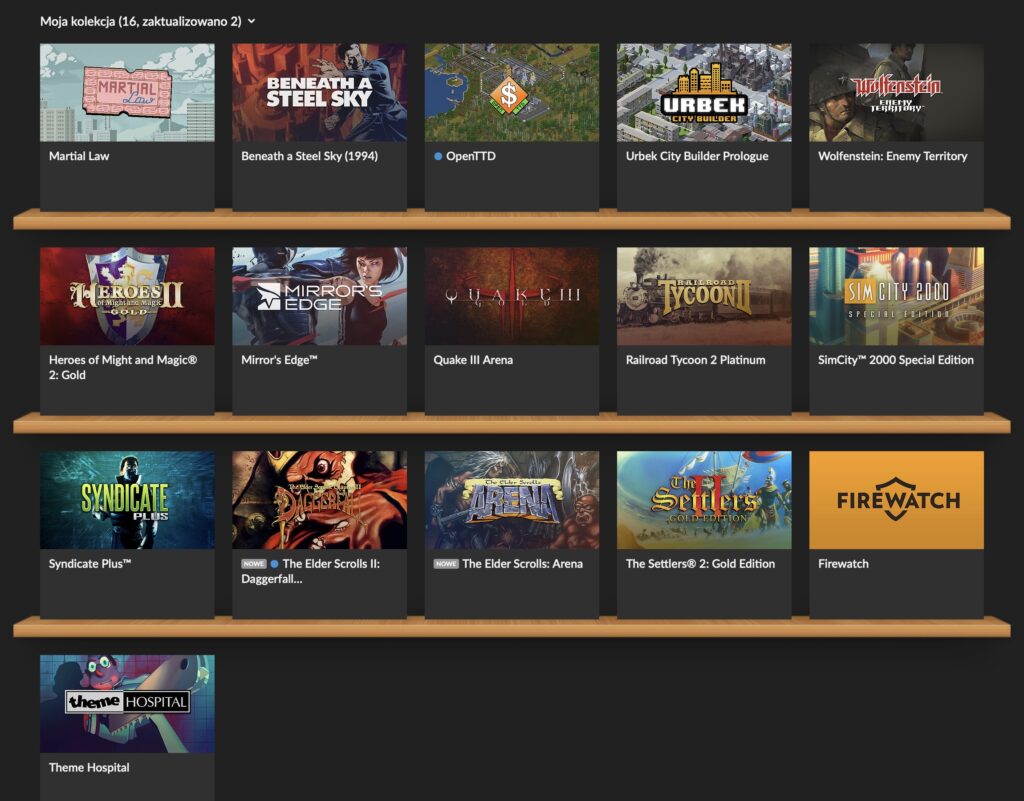
Anyway, the thing with GOG is that for DOS games, they basically ship the installers with DOSBox inside. Some of the games are prepared for both Windows and macOS (like the ones I mentioned earlier). But some are prepared only for Windows, like Settlers II or Heroes of Might & Magic II (HoMM2). And these are my two favorites!
In the old days of Intel Macs, it was fast & easy to spin up VirtualBox or install Windows on the side with BootCamp. But my latest machine is an M2 MacBook running macOS, so virtualized x64 Windows is painfully slow.
I know I can try running an arm64 Windows 11 with Apple native virtualization, but for one I don’t have the key, and for two there is another option I just discovered, namely using DOSBox for Mac.
The steps are simple, but you need a Windows machine for a moment (like an old Intel MacBook with Windows :)).
First, install DOSBox for Mac.
Second, let’s say you want to run HoMM2. Download HoMM2 installer .exe from GOG, and install it on your Windows machine.
Third, copy these installed game files to your M-series Mac, to something like /Users/<USER>/GOG/HoMM2 where <USER> is your Mac’s user folder.
Fourth, create a DOSBox configuration file in /Users/<USER>/GOG/macoshomm2.conf.
[autoexec]
@echo off
mount C "/Users/<USER>/GOG/HoMM2"
imgmount D "/Users/<USER>/GOG/HoMM2/homm2_macos.cue" -t iso -fs iso
C:
cls
heroes2.exe
exit
This defines a DOSBox script that firstly mounts the HoMM2 folder so DOSBox can read it, then also mounts the required gameplay CD, and finally starts the game.
Fifth, create a Mac command file to easily run all this with a double-click, and place it in /Users/<USER>/GOG/RunHoMM2.command.
#!/bin/zsh
set -euo pipefail

ROOT="/Users/<USER>/GOG"
DOSBOX="/Applications/DOSBox.app/Contents/MacOS/DOSBox"

cd "$ROOT/HoMM2"
exec "$DOSBOX" -conf "$ROOT/HoMM2/dosboxhomm2.conf" -conf "$ROOT/macoshomm2.conf"
Here, we just point our local DOSBox for Mac to run HoMM2 instead of using the DOSBox for Windows that ships with the game. Double-click the command file and just like that, the game works on a Mac with Apple Silicon!
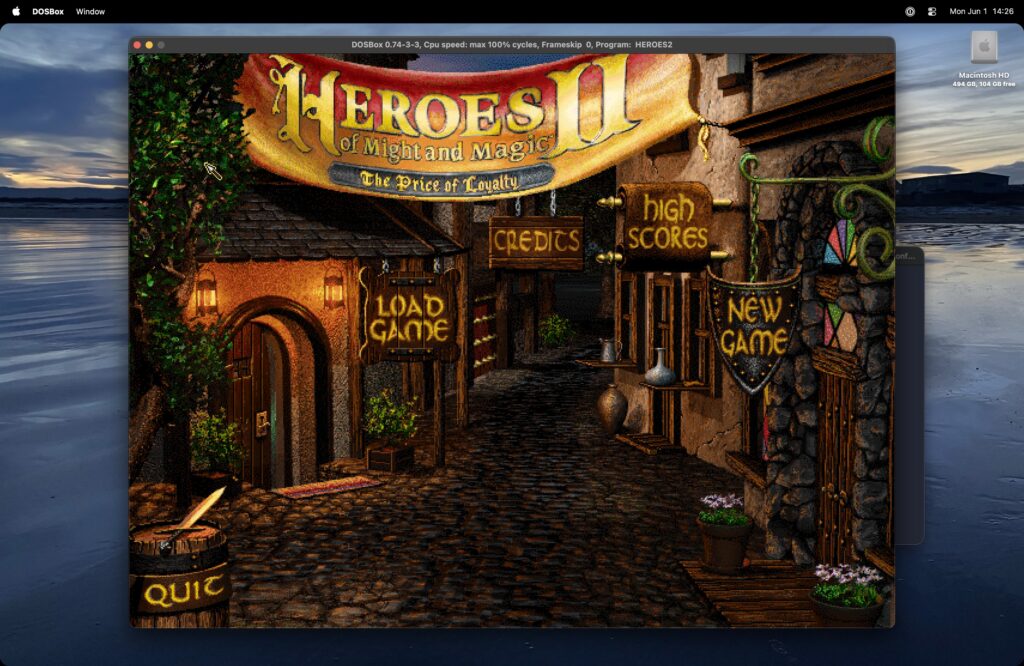
Note that macOS is complaining that in the future versions DOSBox for Mac won’t work anymore, but for now it does, and there are actively developed alternatives like DOSBox-X.
If you want to play in a window instead of fullscreen, or adjust display settings, you can use the many parameters that DOSBox offers and explains in their docs, like the scaler which is fun. Just put them at the top of the .conf file, for example I like to use this:
[sdl]
fullscreen=false
fulldouble=false
fullresolution=desktop
windowresolution=desktop
output=openglnb
autolock=true
waitonerror=true

[render]
aspect=true
scaler=normal2x forced
Happy Children’s Day!