Kagi Search
New controls to completely turn off AI-based features in search
We've added an option to disable access to AI features in search, under settings/ai.
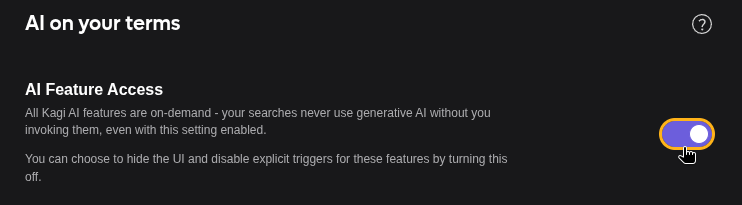
We're also planning to add this option to onboarding, so new users can personalise their Kagi experience from the start.
It's finally here! We believe that Kagi's application of AI should always be useful - there when you'd like it, and never when you don't, and always respecting your privacy.
This took us some time to navigate the right way to communicate this option. We did not want to create a confusing narrative as a company adding a toggle while continuing to invest in AI features elsewhere in our portfolio. But in the end, we want to stay true to putting you in control of your search engine - so here you are!
We deeply thank the community for their feedback and patience.
Flip coins and more sports widgets
By popular demand, our dice widget has gained the ability to roll dice with any number of sides. We're not sure what kind of games you're playing that need d7s, but we support them now.
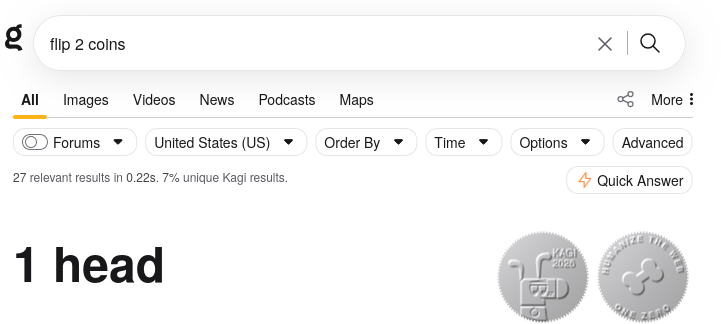
We also added support for flipping coins, which are really just two-sided dice when you think about it:
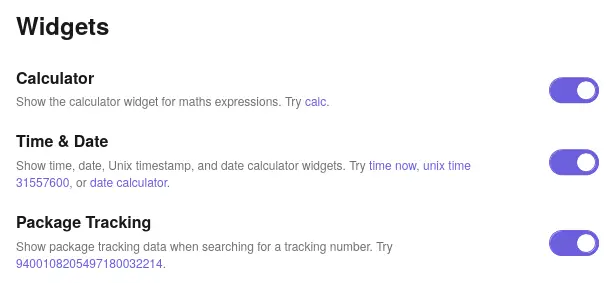
We've added a set of switches on https://kagi.com/settings/more_search so you can disable any of our widgets you don't want to see. The toggle descriptions include links illustrating the widgets' capabilities so you understand what you're turning on or off; go check it out!
Orion browser ✴︎
This week, we’re launching Orion 1.1 for macOS, one of the most significant updates in our history. This version is built around three major new features (in addition to 170+ smaller improvements and bug fixes).
A New Interface ✴︎
When Apple released LiquidGlass, the reception was mixed—even within our own team. The demand was there, but we weren't ready to just copy-paste what Safari had done. They had even removed compact tabs!
So, we created our own implementation.
Containers ✴︎
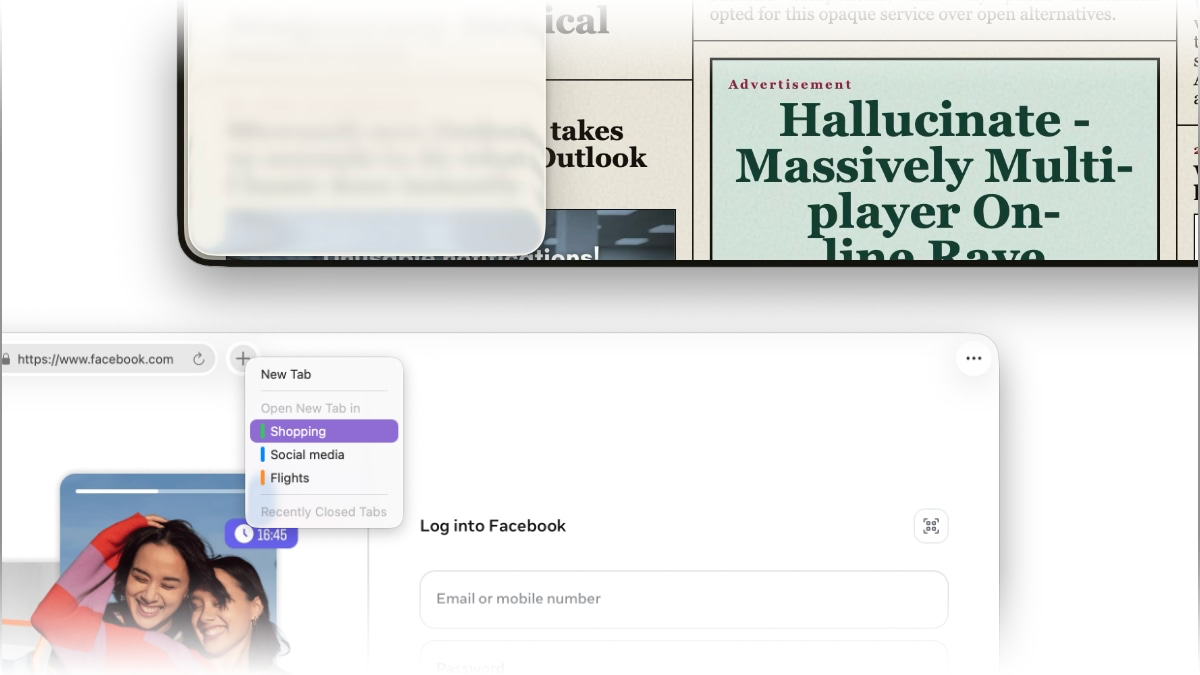
Just like Firefox, we now offer containers. What are they? Each tab becomes completely isolated from the others: total privacy and the ability to log into multiple accounts on the same site from the very same window!
A Personalized Browser Border ✴︎
The current trend is an elegant, transparent border seen on many browsers. The problem is, they don't match Apple's design language. So, what did we do?
As we usually do: we made it an option! And we took it even further: transparency, solid colors, gradients, and even an automatic color-match with the website for total immersion.
This option is exclusively available to Orion+ subscribers.
Orion+
Orion is your free browser, but we offer a support plan to maintain the independence that guarantees your data is not, and will never be, sold to advertisers—or worse.
We have a dedicated website where you can download all the versions we currently support, as well as any we may support in the future (macOS, iOS, iPadOS, Windows, and Linux): https://orionbrowser.com
Kagi News & Kagi Translate
Kagi News and Kagi Translate have both been successes that took us by surprise.
Kagi News users from all over the world loved being able to read their news in the language of their choice, stress-free, and even add new topics.
Kagi Translate users loved the contextual features that provide a spectacular translation quality — far beyond what typical machine translation offers.
But these unexpected successes led to a massive spike in our costs for applications offered for free.
As a result, we have temporarily removed translations and left access to the articles’ original languages as well as English. Kagi Translate will be back in the coming days as a subscription-based service.
Thank you for your patience and your trust 🙏 we hope to have everything up and running again very soon!