Just a few years ago, realistic local speech generation seemed unimaginable. Today, its quality is exceptional and, crucially, it delivers these results without compromising privacy.
The video above showcases audio generated from a sample text, running entirely on the local machine previously discussed in the GTX 1080 Ti for Local LLM article. While this machine has a dedicated GPU, the GPU is fully reserved for LLM inference and the speech synthesis is powered entirely by the CPU.
The model used is Kokoro, which, despite having only 82M parameters, produces realistic speech in multiple languages including English, Mandarin, and Hindi. It provides around 50 distinct voices, primarily optimized for English.
There are several ways to set up a server for Kokoro. The simplest method involves using a pre-made container image called Kokoro-FastAPI, which includes pre-downloaded voice models. Because of that, the container image is rather large, at about 5 GB in size.
To launch the container using Docker or Podman, use the following command:
podman run -p 8880:8880 ghcr.io/remsky/kokoro-fastapi-cpu
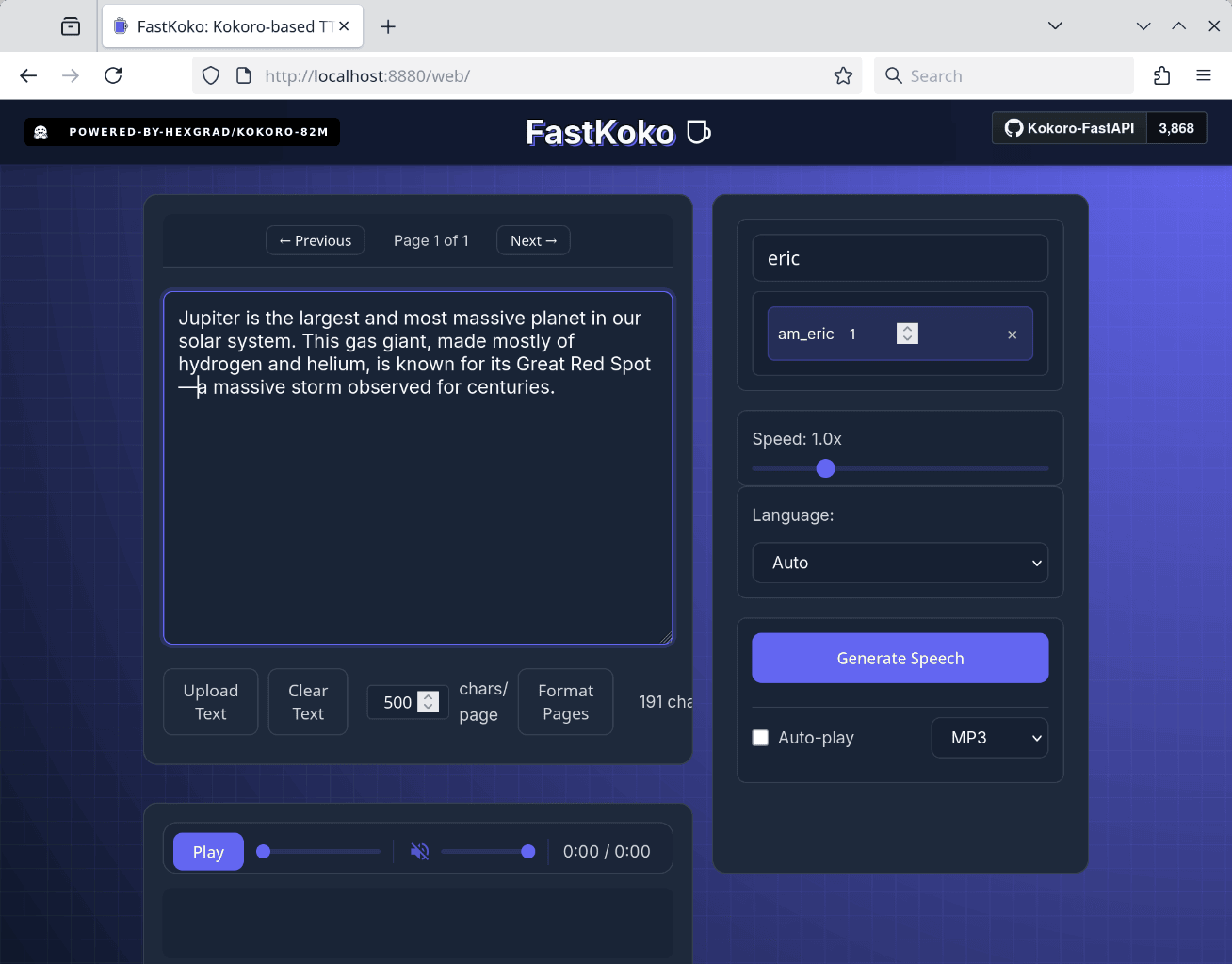
To quickly verify that it runs correcly, the container serves a simple web UI at localhost:8880/web. Here you can generate (and automatically play) an audio given some text.

In addition to the simple web UI, this container also serves a TTS interface compatible with the OpenAI speech API, making it easy to adapt existing programs that already use the OpenAI speech API. To facilitate a quick test, sample code in both JavaScript and Python is available at github.com/remotebrowser/speak. Cloning this repository will enable you to follow the subsequent demonstration.
For JavaScript:
export TTS_API_BASE_URL=http://127.0.0.1:8880/v1
./speak.js "Good morning! How are you today?"
For Python, the command is very similar:
export TTS_API_BASE_URL=http://127.0.0.1:8880/v1
./speak.py "Good morning! How are you today?"
The generated audio will be saved as an MP3 file. If SoX or Sound eXchange (see sox.sf.net for details) is installed on your machine, the audio will also play back automatically.
You can also select a different voice by setting the TTS_VOICE environment variable:
export TTS_API_BASE_URL=http://127.0.0.1:8880/v1
export TTS_VOICE="am_eric"
./speak.js "Good morning! How are you today?"
A complete list of available voices can be found on the official Kokoro project page: huggingface.co/hexgrad/Kokoro-82M/blob/main/VOICES.md.
How fast is the synthesis? Here are some measurements using the am_eric voice on a short test paragraph:
Jupiter is the largest and most massive planet in our solar system. This gas giant, made mostly of hydrogen and helium, is known for its Great Red Spot—a massive storm observed for centuries.
The following list summarizes the generation time (best of 3 runs) across different CPUs:
- Intel Core i7-4770K: 4.7 seconds
- Apple M2 Pro: 4.5 seconds
- AMD Ryzen 7 8745HS: 1.5 seconds
The first CPU in the list was released 12 years ago. If that ancient CPU can do the job just fine, you know that this is a highly capable TTS system.
Finally, for an alternative OpenAI-compatible containerized TTS service, consider Speaches (speaches.ai). Unlike Kokoro-FastAPI, Speaches requires you to explicitly download voice weights via its API, as they are not bundled in the container image. However, Speaches offers an advantage by including Whisper, OpenAI’s renowned high-quality Speech-to-Text (STT) system. If your application needs both TTS and STT functionality, Speaches could be your one-stop solution.
When combined with a local LLM, a speech synthesis system like this allows you to enjoy listening to LLM answers instead of reading them!
Note: This article originally appeared on the Remote Browser Substack.