Brennen Puth | 2026-10-24
I'm looking for work! (click to expand)
If you have questions or thoughts on the post I'd love to hear about it! I'm currently looking for work in the northeastern US. I'll be graduating with a BS in both Computer Science and Cyber Operations at the end of the school year. I have worked in web application development and Java, and I have experience in Rust, C++, Python, and various other languages. If you're curious about what I've done in the past, I keep up a short list of projects here or contact me to give me a place to send my resume. I figure anyone who reads my posts will have an interesting offer, so all leads are appreciated!
I read a lot of printed papers these days. While I enjoy reading on a laptop as much as the next guy, marking up a printed document engages me better. Also, there's something about sitting with a whiteboard and a printed document that makes me rightly feel like I'm doing something important. So I've been thinking about how to best allow others to enjoy this medium for content that I write.
Luckily for me, printed documents were a major focus of web design a while ago. You can print any webpage you like, by hitting CTRL-P and hoping your printer driver decides to cooperate today. I tested this on my own webpage, foolishly thinking I would have a decent print job without any effort.
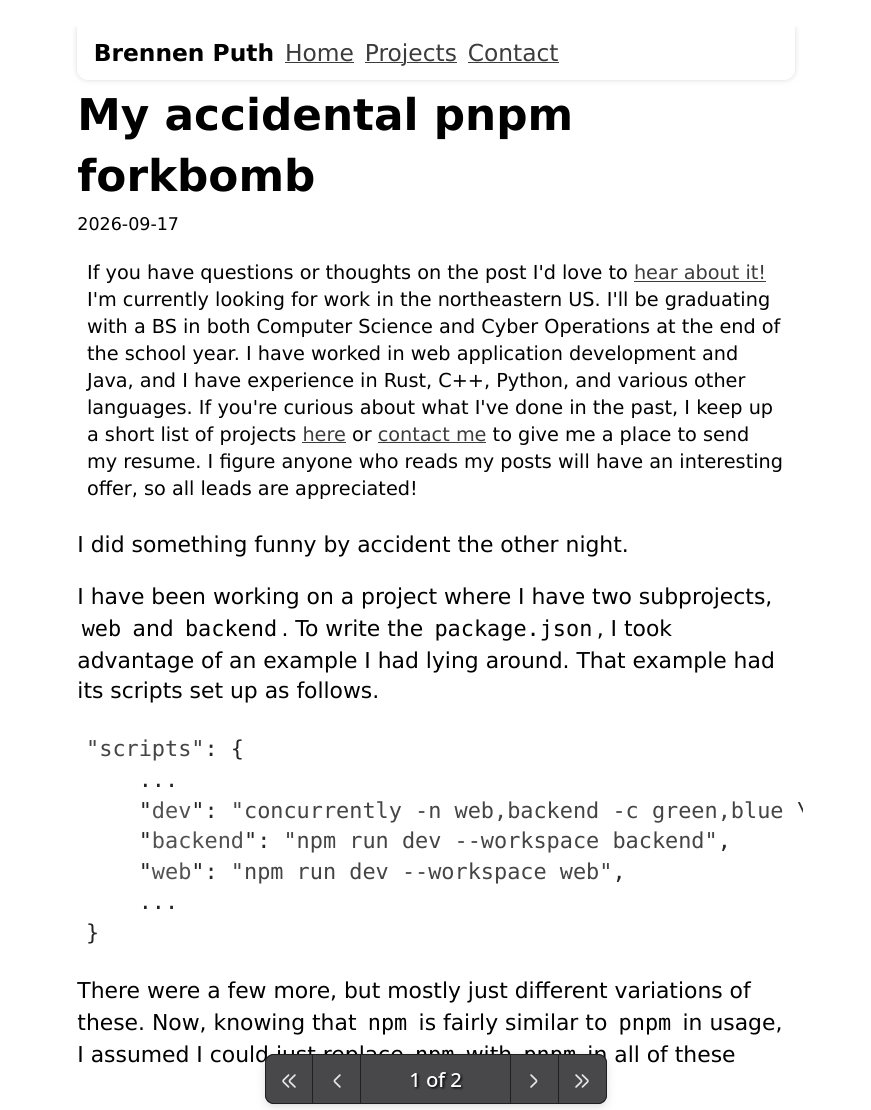
It wasn't great, although you can at least see all the content. The text was too big by about 2 levels, the header looks awful when printed, and my links look awfully gray in black-and-white. Totally unacceptable.
Making Things Printable
Luckily, the web community has had this aforementioned focus on printing documents from HTML pages. CSS has selectors to allow styling specifically printed content, and they can be useful. Here's my print-related snippet for this page now:
.onlyPrint {
  display: none;
}

@media print {
  .noPrint {
    display: none;
  }

  .onlyPrint {
    display: inline;
  }

  p,
  ol {
    font-size: 12pt;
  }

  h3, h4 {
    font-size: 13pt;
  }

  h2 {
    font-size: 14pt;
  }

  h1 {
    font-size: 16pt;
  }

  .giallo {
    border: 3px solid black;
  }

  .giallo-l {
    font-size: 11pt;
  }

  a {
    color: black !important;
  }
}
You can see the effects of this snippet by hitting CTRL-P or the print button on this page. Here's the functions this does for me, in order:
onlyPrintcan be added as a class to allow elements which only show up in the printed document. Right now, that means tagging a small author attribution to the subtitle.noPrintis used to remove something from the printed website. I put it on the header, because it looks honestly very ugly in printed format.- Adjusting font sizes for print is very important. The variable-scale text which I use on my website looks awful on a printed page.
12ptis a fairly well accepted size, so I figured it'll do. A slightly larger size for the headers makes sense as well. - The
giallotweaks are for codeblocks. Honestly, codeblocks are still the ugliest part even after some tweaking. They want to come out as one chunk and not break over page borders, and if anyone has a solution to that I'd be greatly appreciative. - Blue links, as much as I like them on the site, look awful in grayscale. Turning them the same color as other text is fine. Feel free to pull any code you like from the CSS, I'm not protective of it. I would personally love to experience more webpages that think about how printing works.
Why You Should Do This
After attempting to optimize my website in this way, I am sympathetic for those who wouldn't prioritize printing. Hiding and showing all the right things in print took me a decent chunk of my morning. My site isn't very complex. I also doubt how many people regularly print webpages out. I might be the only one.
Still, if all your website consists of is text, allowing people to experience the text in their favorite medium is never a bad thing. The digital medium allows a lot of flexibility. The road to good software is paved with kindnesses from software engineers to their users. One day, perhaps someone shall find this kindness and smile, even if just for a fleeting moment. And that will be worth it.