My family owns a NYC townhouse, and with that I had Cat6 cables put in on each floor.
However, more recently, one of the Cat6 cables has gone “bad,” meaning it only does 100 Mbps. While we are nowhere close to Gigabit speeds, very less multi-Gig (despite me having had symmetric Gigabit in the past), it’s still not something I’m happy about.
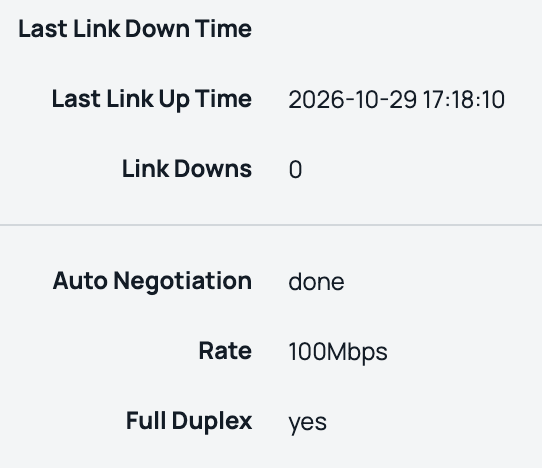
What do you mean only 100 Mbps? My switch and AP support 2.5 Gbps.
The most common approaches in my scenario are:
- Fish a new cable
- Abandon the cable and use wireless mesh
However, there are a few issues:
- The cables were fished in a funky way, and considering how clumsy I am I don’t want to cause more damage
- Our walls are thick, meaning wireless mesh would suck
When I did use mesh on HPE AP25s (the APs I use), the performance was 120 Mbps at two prior homes, that with thin walls and fiber. I also want VLAN segmentation so a typical consumer Eero or Orbi won’t work.
So what did I do? “Invisible” fiber between two floors.
In case you didn’t know, there are special types of fiber cables originally designed for apartment retrofits. This is to avoid landlord/HOA complaints. Our prior place had Verizon Fios via these cables in the hallway.
But these cables are also sold on Amazon and AliExpress for people who’re in rentals or don’t want to fish cables.
So how did I do it?
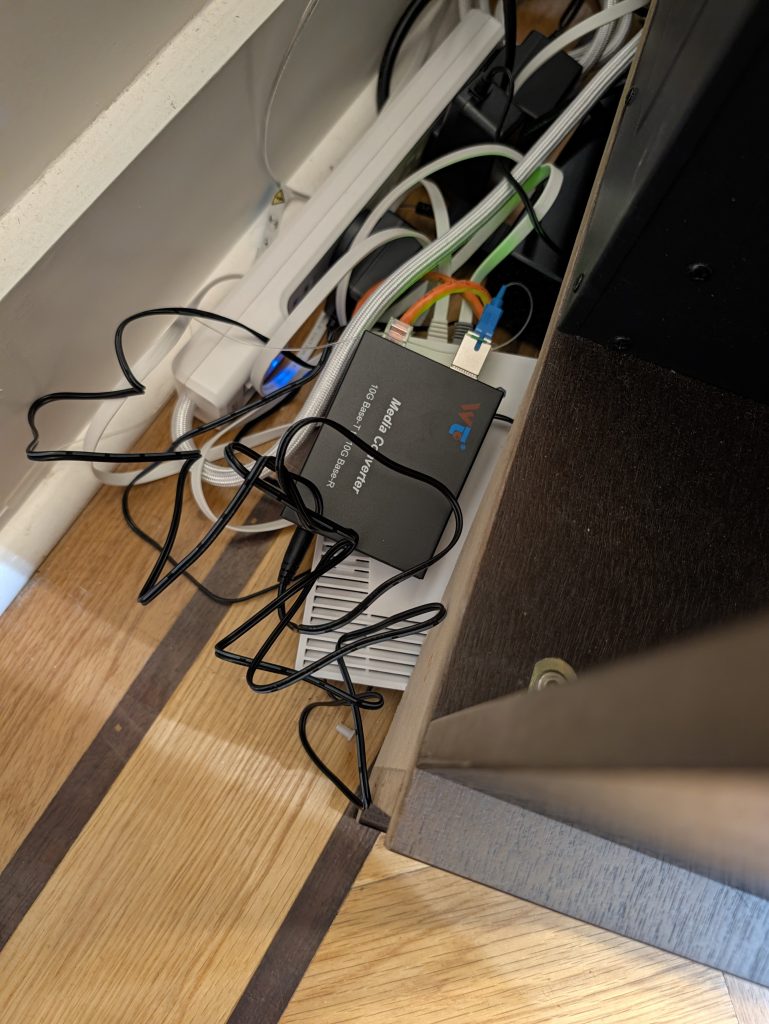
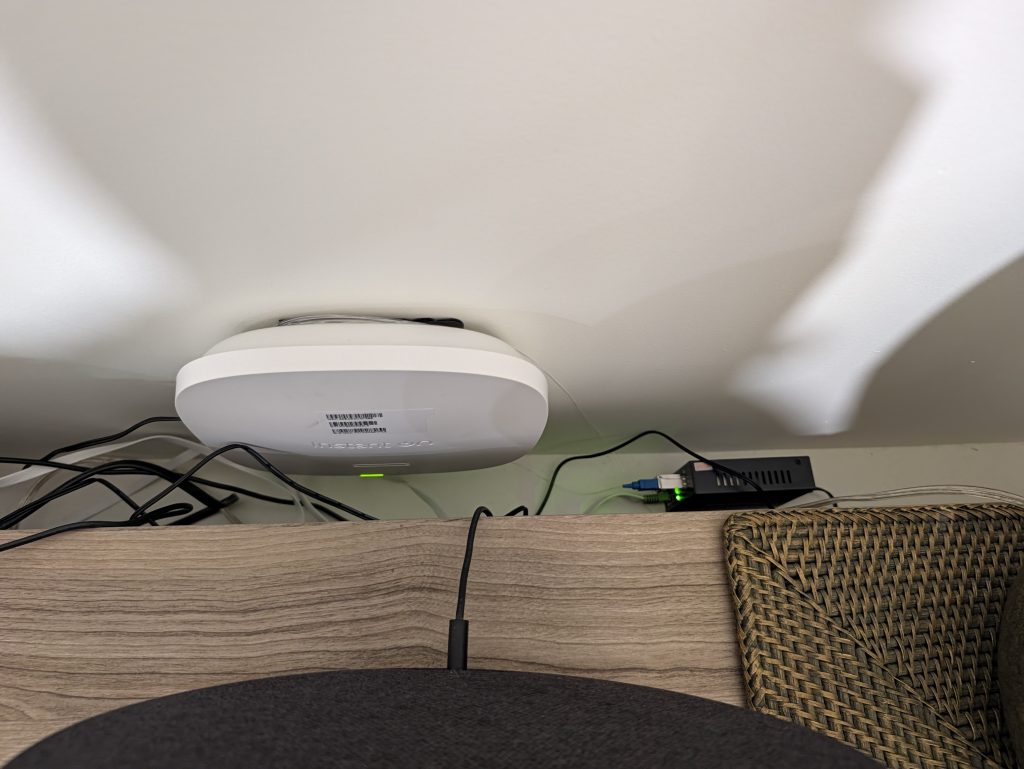
Galore, the endpoints of my 20m/60ft ‘fiber in the home’ loop.
Switch
While there are SFP+ switches, I already had an unused MikroTik CRS304-4XG-IN, so I just used it here. It’s technically copper 10G, but I’d lose more by trading it for a SFP+ switch so I’ll just keep it. Not to mention copper SFP+s get hot.
Media Converters and Transceivers
I used two media converters and a pair of bidirectional SC SFP+s.
The SFP+s use the same SC connector used in PON networks, but otherwise use Active Ethernet. I’m not sure if they’re using IEEE standards or are proprietary on the glass, but I’ll assume the latter.
While there’s copper on the media converters, the other option would be to replace our switch which I’ve mentioned is not the best idea.
The Fiber
While the fiber can (and is designed to) be superglued, I chose to use the included adhesive instead. Why? In case I ever have to remove it, which has happened before.
That’s the same reason why I did the basement AP25 using command strips when everyone else just drills the mount.
While our fiber is UPC, our transceivers support both SC fiber types.
Conclusion
If I look at the Instant On portal, I’m posting this from my MacBook connected to the new ‘fiber in the home’ loop (via an HPE AP25).
While we currently lack fiber-to-the-home (Mamdani, please fix Fios rights of way!), I’m still happy I could DIY a fix for a Cat6 cable with bad pairs.
In fact, while I don’t have multi-Gig I could still get a respectable ~300 Mbps:

So yes, even if you don’t have fiber to the home, fiber is still useful in a home network. As it saved me from having to hire a contractor and possibly tear our walls. Not to mention a $1500 Samsung TV is on the wall the “defective” Cat6 cable is behind.