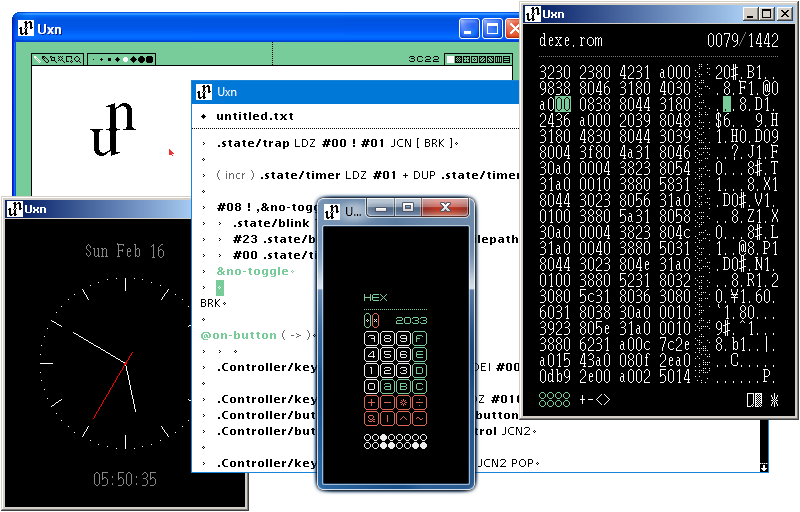
Uxn32 is a graphical emulator for the Uxn virtual machine.
- Compatible with: Windows 95, Windows 98, Windows NT4, Windows 2000, Windows XP, Windows Vista, Windows 7, Windows 8, Windows 8.1, Windows 10, Windows 11, and Wine. Works on both 32-bit and 64-bit systems.
- Specifically built to also work with Wine on Linux and other OSs.
- Small and simple - single .exe, no installer, no dependencies.
- Sandboxed file system access for Uxn program ROMs.
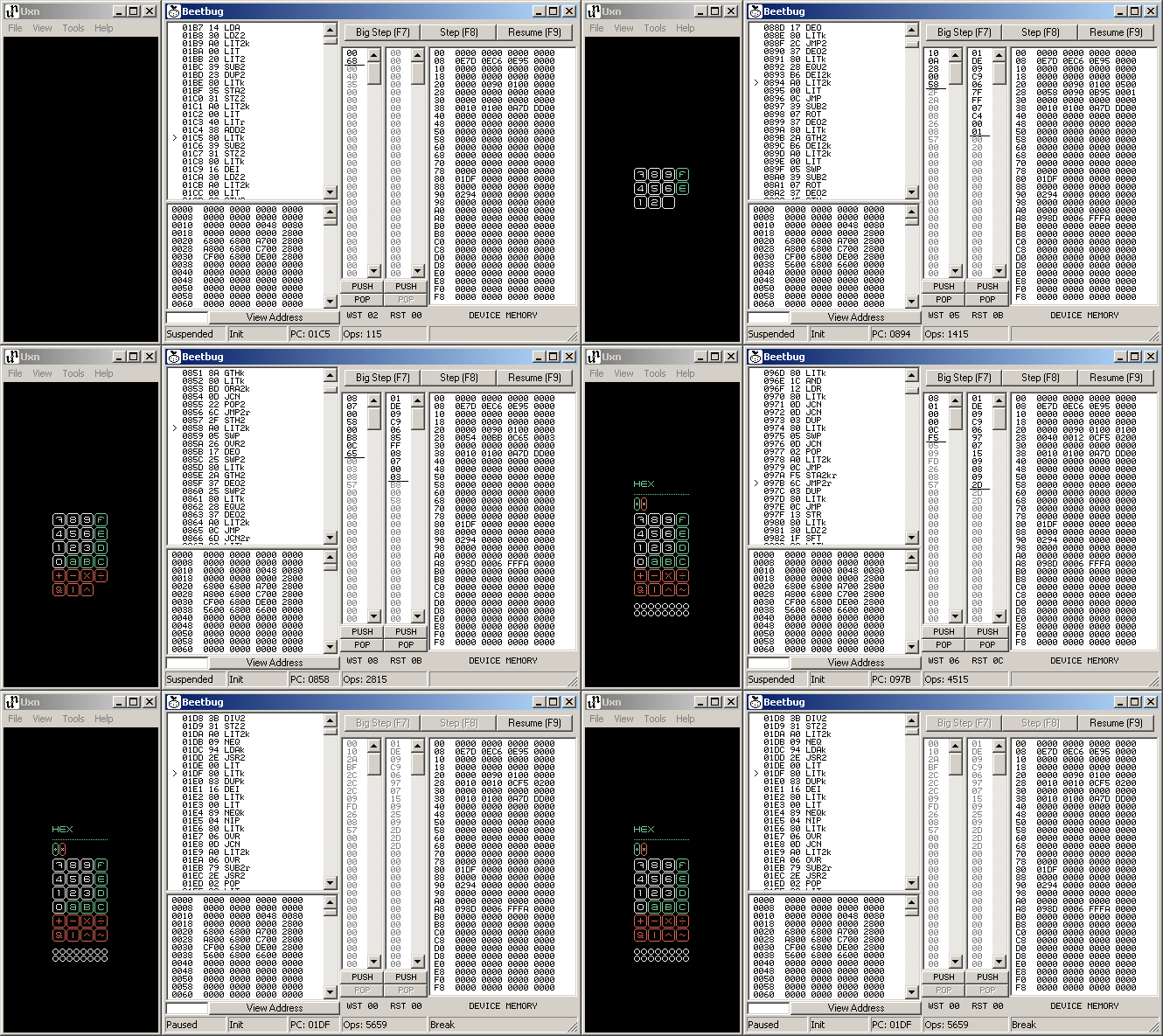
- Debugger with stepping, disassembly viewing and editing, memory view, and stack viewing and editing.
- High DPI and per-monitor-aware DPI support.
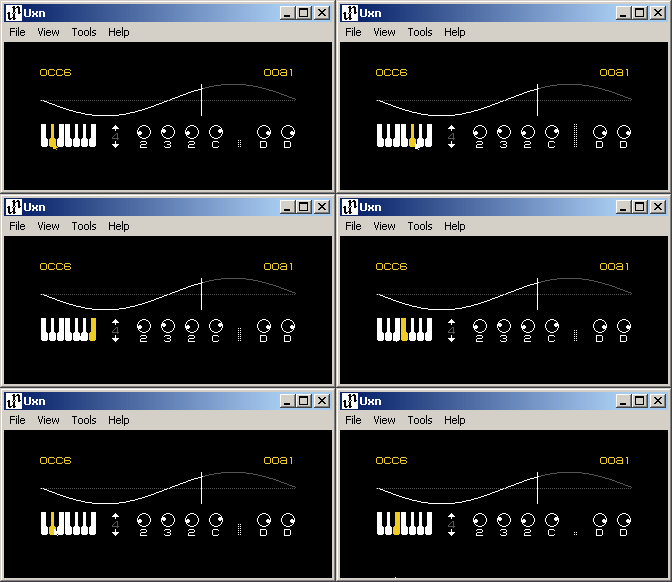
- Uxn programs receive events at full speed and repaint immediately. Got a 240hz display? Now your Uxn drawing program can make use of it.
- Pre-emptive execution, so it won't freeze up if the Uxn program goes into an infinite loop or takes a long time to process something.
- Compiles with: Visual C++ 6.0 (VC6 1998) and all versions up through Visual Studio 2026, Clang, clang-cl, GCC via Winelib, MinGW Clang, MinGW GCC, and Pelles C.
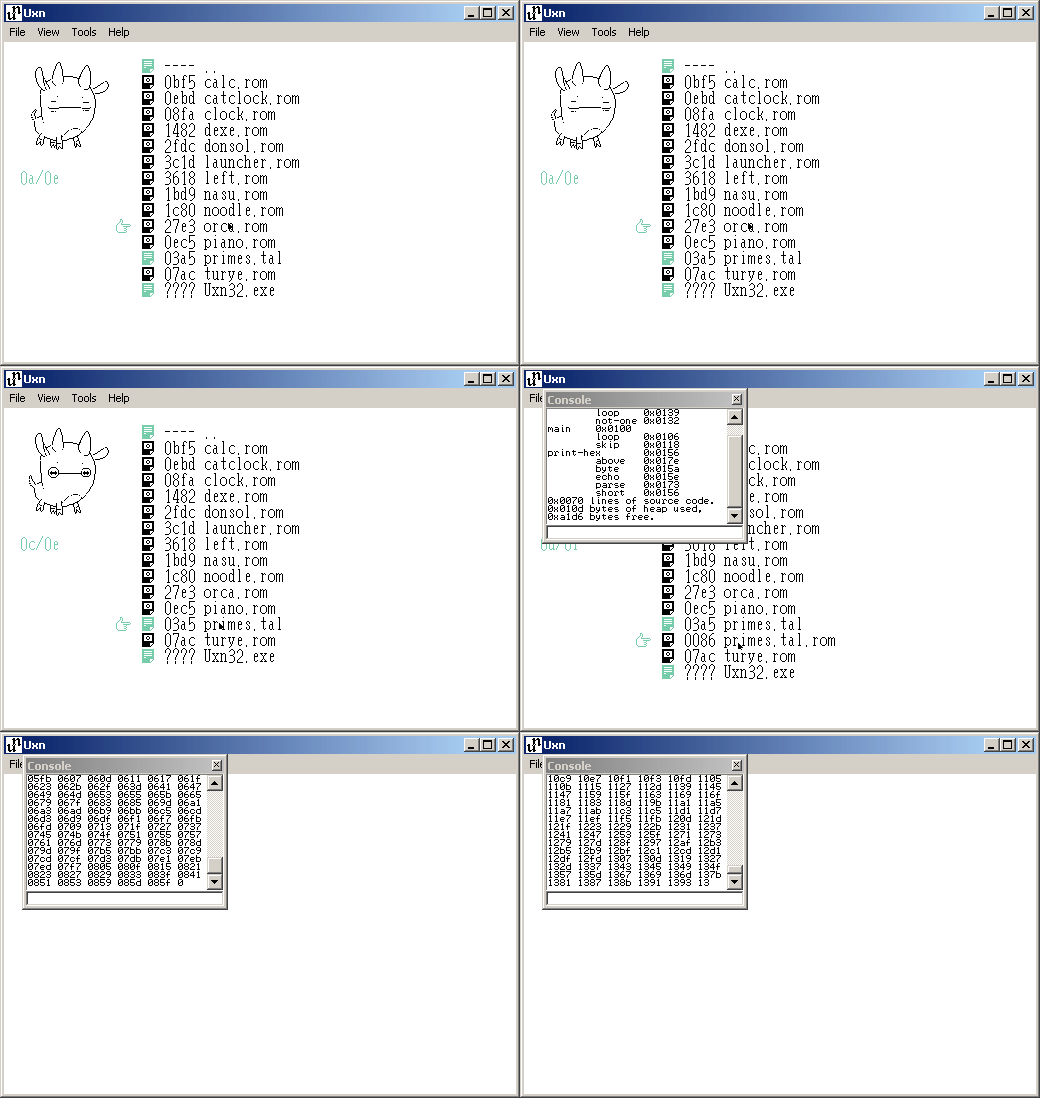
Download the pre-built Uxn32 Essentials Pack - a bundle of Uxn32.exe and a collection of ROMs. Unzip into a new directory and run Uxn32.exe.
F1  Toggle 1x and 2x zoom        F5  Show debugger
F2  Clone window & state         F7  Step debugger by 100 instructions
F3  Show/hide console            F8  Step debugger by 1 instruction
F4  Reset and reload ROM file    F9  Resume or pause emulation
Control Key -> Gamepad 'A'
    Alt Key -> Gamepad 'B'
  Shift Key -> Gamepad 'Select'
   Home Key -> Gamepad 'Start'
For VC6 and other old Microsoft IDEs and compilers, just open uxn32.dsp and hit build.
For later Visual Studio versions and MinGW, there is a CMakeLists.txt file to use with CMake. It's been tested to work with multiple different combinations of IDEs and toolchains, such as: CLion + MSVC, CLion + MinGW Clang, Qt Creator + MSVC, Qt Creator + MinGW Clang, Visual Studio Code with C/C++ extensions, standalone with Ninja or NMake and MSVC, and more.
VC6 is the easiest way to produce a .exe that works with old Windows versions and which doesn't require bundling .dll files or statically linking to large C runtimes.
The easiest way to develop Uxn32 from within Linux is to use Winelib. This lets you use regular GCC or clang, and doesn't require installing MinGW. The output .exe will be ELF (Linux format) instead of PE (Windows format) so you can't copy it to a Windows system, but it will work great with Wine on Linux.
Make sure you have Wine installed, and also either gcc or clang installed, then do something like:
Then run it with wine Uxn32.exe. You can use gdb to debug it with winedbg Uxn32.exe. You might want to tweak the compiler flags in the generated Makefile to change optimization and debug symbol generation settings.
(Actually, if you use clang as your compiler with winegcc, and you have lld installed, you can manually invoke winegcc while adding the flags -b i386-pc-windows-msvc -Wl,/safeseh:no and then it will output a PE executable that will run on Windows. But it will probably only run on Windows 7 and later, because it links with ucrtbase.dll. Also, you will need to add --wine32 to the winemaker invocation, so that the makefile is targeting 32-bit Windows and will work with the i386-pc-windows-msvc option.)
If you want to use MinGW on a Linux host to produce an executable for Windows, you can do a similar invocation by hand, or try using CMake.
Building with some other system or by hand is easy. There's only one resource file, uxn32.rc, and three source files, uxn32.c, uxn_lz.c, and uxn_core.c. You don't need any special compiler flags or preprocessor definitions. But you will need to link these libraries: user32.lib gdi32.lib shell32.lib shlwapi.lib comdlg32.lib comctl32.lib winmm.lib
-
Add drag'n'drop ROM loading. -
Add pixel doubling/scaling. -
Audio output. - Volume control.
-
Add console output. -
Add console input. -
Add File, View, etc. menus. -
Add toggle to show/hide menu bar. - Add preferences.
-
Add a graphical debugger. -
Add "About" dialog box. (Currently sitting unused in the resources file.) - Add a preference to set filesystem sandbox directory, and to restrict read and write operations. (Filesystem sandboxing is currently based on the current working directory.)
- Fix mixing of too many synonmous types (DWORD, ULONG, Uint32, etc.) in places where just 1 would do.
- Fix missing and inconsistent 'static' on functions.
-
Fix not redrawing the empty area around the Uxn virtual screen in the window client area when dirtied due to external reasons (like dragging a window over it in a non-composited Windows desktop.) - Use a better timing and display sync method. (Might require special casing for composited Windows desktops.)
-
Test and fix C89 issues with GCC in MinGW, if any. (Tested and works in VC6, MSVC 2019, clang-cl, MinGW-w64 Clang, but not yet tested in GCC.) - Reorganize some Device stuff.
- Add a resource usage and performance indicator panel. (See how much % Uxn virtual CPU time is being used, time spent on file access, etc.)
uxn32.c: All rights reserveduxn_core.c,uxn_core.h,uxn_lz.c: MIT